Wire Up a Noise-Free Inbox for Your High-Priority AI Systems
Use Clova.Email to create dedicated addresses for AI agents. These addresses lock to the first sender and bounce all other mail, ensuring high-priority alerts never get buried under general noise.
Key Takeaways
- Single-sender inboxes lock to the first person who emails them and reject everyone else.
- Isolating AI notifications prevents critical business alerts from getting lost in newsletters.
- Temporary inboxes allow you to test new AI tools without risking your primary email address.
- A Business plan allows you to use your own domain for unlimited permanent addresses.
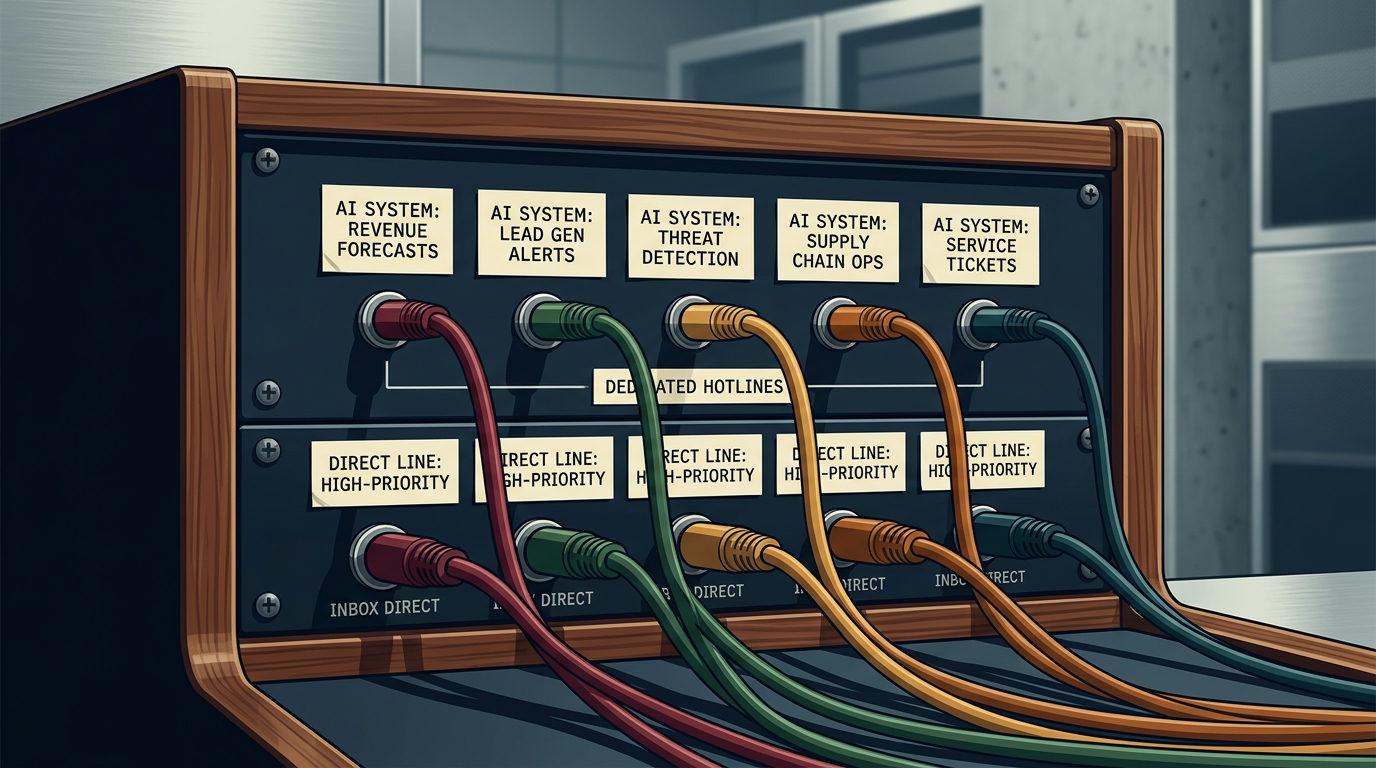
When you start using AI agents to handle sales outreach or monitor data, you run into a noise problem. These systems send status reports and lead notifications that get buried under 200 daily newsletters. If an AI agent hits a snag or a high-value client needs a reply, you can't afford to see that message 3 hours late.
The fix is to stop using one giant bucket for all your mail. You can use a service like Clova.Email to bolt on dedicated, single-sender addresses for every critical system. This ensures the only thing hitting a specific inbox is the one signal you actually care about.
The Mechanism: One Sender, One Address
Most email addresses are open doors. Anyone with the address can walk in. A single-sender inbox works differently: the first system to send an email to that address claims it for good. Every other sender is rejected at the door. If you create an address for your AI sales agent and a spammer gets the address, their email bounces. Your priority channel stays clean.
How to Set Up a Priority Command Center
You don't need to be a developer to wire this up. Follow these steps to isolate your business signals:
- Pick your prefix: Claim a prefix of 5 characters or more (like "alerts"). Anything you add after it works instantly without extra setup.
- Assign a unique address: Give your AI tool an address like alerts.agent1@yourname.clova.email.
- Lock the sender: The moment your AI tool sends its first report, that address locks to that tool.
- Forward the signal: Set the service to forward these specific addresses to your main mail app. Since the source is verified, you can set a custom notification sound for that folder.
The Lead Hotline
Imagine an AI agent vetting leads on your website. Usually, it sends a summary to your Gmail where it sits between a LinkedIn notification and a software receipt.
Instead, give the AI agent a specific address: hot-leads@yourname.clova.email. Because this address only accepts mail from your AI agent, you've built a literal hotline for new business. It can't be clogged by junk mail because the system bounces anything not from your agent.
Sandboxing New Tools
This also works for testing. If you're trying a new AI tool and don't want to be on their marketing list forever, create a temporary inbox. You can set it to self-wipe after 30 days. This keeps your primary business identity safe from data leaks and keeps the clutter out of your workspace.
The goal is to stop managing an inbox and start monitoring your business. By giving every critical system its own locked door, you ensure the most important signals reach you first.
FAQ
What happens if a spammer gets my dedicated address?
The email bounces. Once the first sender (like your AI agent) claims the address, the system rejects any other sender automatically.
Do I need to set up every address manually?
No. If you use a prefix of 5 characters or more, you can invent new addresses on the fly at the sign-up counter and they will work instantly.