Talk Through a Task With Gemini Live, Then Check the Answer
Use voice or screen sharing for a bounded task. Try a demonstration prompt and check the response against the source before acting.
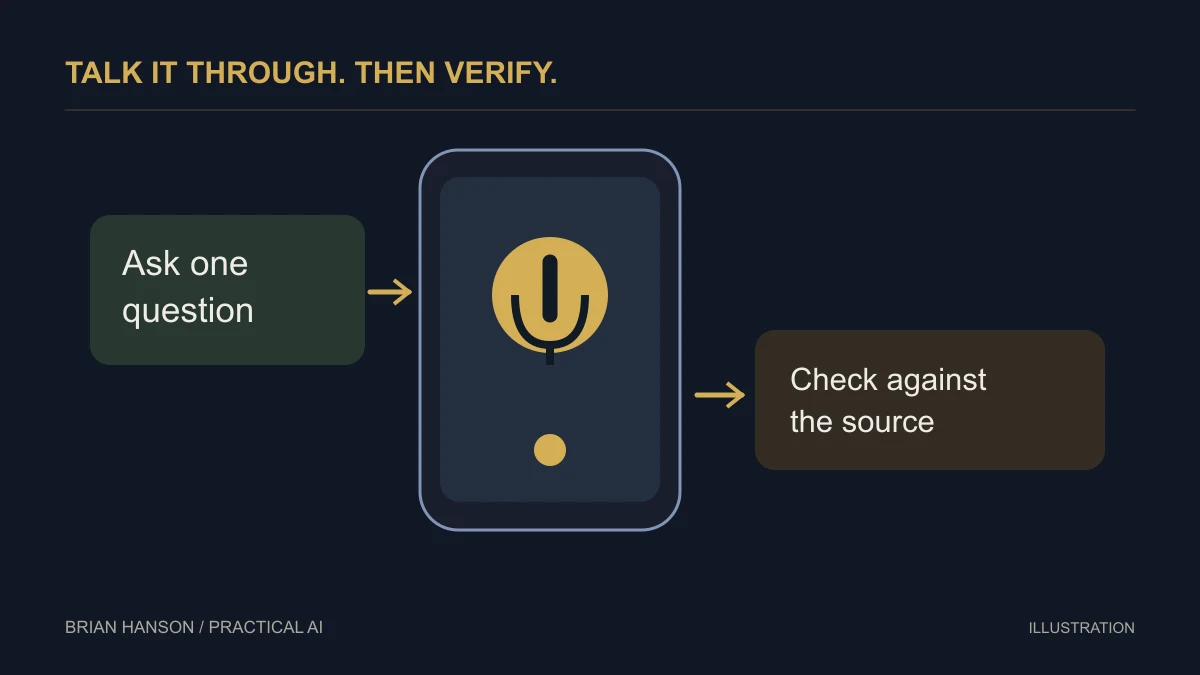
Use a conversation to get unstuck on one task: understand a document, rehearse an explanation, or identify what to check next. Keep the task narrow enough that you can verify the answer.
Use Live as an assistant to the operator
Google’s Gemini Live help page documents voice conversations and camera or screen sharing on supported mobile devices. A useful business starting point is helping an employee understand a task while the employee remains responsible for the result. It is not evidence that the consumer app can independently operate a global customer-support desk.
Try a short, non-sensitive task
Choose a demonstration document, a mock product display, or a training example. Explain the objective before sharing the camera or screen. Ask the assistant to describe what it can observe, separate uncertain details, and suggest the next step. A simple prompt is: “Help me review this sample display for readability. Describe what you can see, list anything you cannot read confidently, and suggest three changes.”
Check the description against the actual screen. If it misreads a label, correct it and repeat the observation before using its recommendation.
Control what is shared
Google notes that screen sharing exposes the full screen, not only the one item you are discussing. Close unrelated messages and customer records first. Stopping or muting audio is not a substitute for checking whether screen or camera sharing is active. Review the app’s visible sharing controls and the current help instructions when beginning and ending the session.
Measure whether the workflow helps
Compare the time to finish the same small task with and without assistance. Record misunderstandings and corrections, not just how natural the conversation feels. Keep customer commitments, account access, and final instructions with a person. Check language, device, and account availability in current Google documentation before planning a team rollout.
This revision removes the earlier unsupported model-version and language-count claims. The workflow relies on documented Live capabilities, not a promised release name or guaranteed service coverage.
Try this with a demonstration document
Help me explain this fictional project brief to a colleague. First tell me the deadline, deliverables, and questions the document leaves unanswered. Point out anything you cannot read. Do not infer missing dates or tell me that work has been completed.
| Check | Pass condition |
|---|---|
| Did it read the document correctly? | Names, dates, and deliverables match |
| Did it acknowledge missing details? | Unstated facts remain questions |
| Is the next action clear? | You can name what you will do and verify |
If it guesses, correct the specific misunderstanding and repeat the check. Do not convert a fluent spoken answer into an unchecked customer promise.
Continue with the AI for small business guide for a broader implementation plan.