Stop Prompting and Start Building: The Claude Skills Guide
Create a SKILL.md file in plain English that outlines your business process, then upload it to a Claude Project to give your team a repeatable tool.
Key Takeaways
- A Claude Skill is a reusable instruction set saved in a SKILL.md file.
- Skills allow teams to execute complex workflows without re-typing instructions every time.
- Use Claude Projects to host these skills so every team member has access to the same knowledge.
- Non-technical owners can build most skills using plain English descriptions.
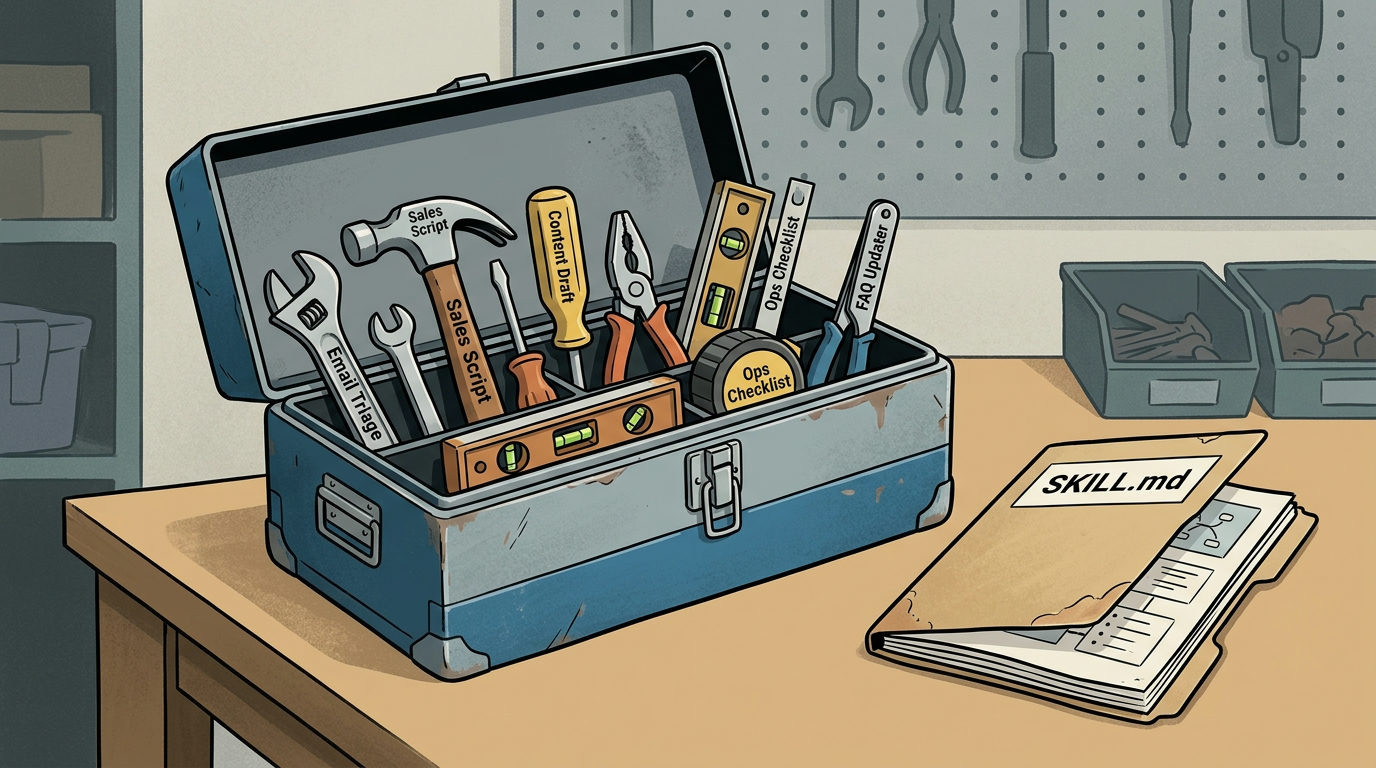
Stop writing prompts and start building skills. Most business owners treat AI like a search engine, typing the same questions every day. This keeps you stuck. To scale, you need to bolt on repeatable systems that your team can use without you.
A Claude Skill is a saved set of instructions that teaches the AI how to handle a specific business process. Think of it as a digital Standard Operating Procedure (SOP) that lives inside the chat. Once you build a skill, your team doesn't need to remember a 500-word prompt for your brand voice. They just trigger the skill.
The Anatomy of a Skill
A basic skill is a folder containing a file named SKILL.md. This file holds the plain-English instructions for the task. You don't need to know how to code to make one. You can ask Claude to help you write the SKILL.md file by describing your workflow in detail.
If you build a skill for customer refund requests, your SKILL.md file would include:
- The exact tone to use (empathetic but firm).
- The specific data points needed from the customer.
- The logic for when to approve or escalate a request.
How to Create Your First Skill
First, open a new chat and describe the workflow. Tell Claude, "I want to create a skill for [Task Name]. Here are the steps we follow, the tone we use, and what the final output should look like." Ask Claude to generate a SKILL.md file based on that description.
Second, save this file. In the Claude interface, you can upload this instruction file into a Project. When an employee starts a chat inside that Project, Claude already has the knowledge of how to perform those specific tasks.
Moving Beyond Simple Text
While most skills work with plain text, some require technical work. If a skill needs to pull live data from your CRM or run a specific script, you'll likely need a developer to wire up the connection using Python or Node.js. However, for most business tasks, the plain-English version is enough to get the job done.
Building a library of these skills ensures that the work your team produces on Friday at 4:00 PM is just as good as the work produced on Tuesday morning. You're building a proprietary system for your company.
FAQ
Do I need to be a programmer to create a Claude Skill?
No. You can create a skill by chatting with Claude in plain English. You only need a developer if you want to connect the skill to external databases or run custom scripts like Python.
What is a SKILL.md file?
It is a simple text file that contains the instructions for a specific task. Claude uses this file to understand exactly how you want a job done every time the skill is triggered.