Stop Paying for Document Software: Use Free Professional Editors in Your Browser
Stop paying for document software. TeXbrain is a free browser-based editor that creates professional PDFs using LaTeX without any installation. Just paste AI-generated code and download your file.
Key Takeaways
- TeXbrain runs pdfTeX in your browser via WASM, requiring no software installation.
- LaTeX provides superior document formatting compared to traditional word processors.
- Pairing AI with browser-based LaTeX editors eliminates manual design work.
- Processing happens locally in the browser, keeping sensitive business data private.
- Using free tools like this can save small businesses hundreds in annual subscription fees.
Stop Paying for Expensive Document Software
You're likely spending $15 to $30 every month on software just to create PDFs. Most business owners think they need a subscription to Word or Adobe to get sharp documents, but that's not true. You can run high-end typesetting tools directly in your web browser for $0.
TeXbrain is a free browser based document editor that runs a powerful engine called pdfTeX on your computer. You'll find the project details at GitHub. It uses WebAssembly (WASM), which means the software runs inside your browser tab. You don't have to download or install anything on your hard drive.
What is LaTeX and Why Should You Care?
LaTeX (pronounced lay-tek) is the standard for creating documents that don't shift around when you save them. If you've spent an hour fighting with a Word document because moving one image ruined your margins, you know the pain. LaTeX treats your document like a set of instructions, placing every letter and image with mathematical precision.
Usually, this software is a chore to install. It takes up gigabytes of space and requires technical setup. TeXbrain strips back that complexity. Because it runs in the browser, you get the professional output of a $500 software suite without the bill.
How This Saves You Money and Time
Most small business owners use AI to draft content, but getting that text into a polished PDF usually requires manual formatting. TeXbrain changes that process. Since it's code-based, you can ask ChatGPT to "write the LaTeX code for a professional business proposal" and paste it into the editor. It generates the PDF instantly.
This works for manuals, white papers, or formal reports where you want to look like you have a design team. You're bolting on a professional publishing house to your browser for free. You don't need to worry about software updates because the whole engine lives in the link.
The Practitioner View
Businesses often waste thousands of dollars on software seats that employees use once a month. Switching to a browser-based tool eliminates the subscription creep that eats your margins. You also gain security. Since the processing happens on your own machine via the browser, your sensitive business data stays private.
Your 3-Step Plan to Start Today
You don't need to be a programmer to use this. Follow these steps to get your first professional document out the door.
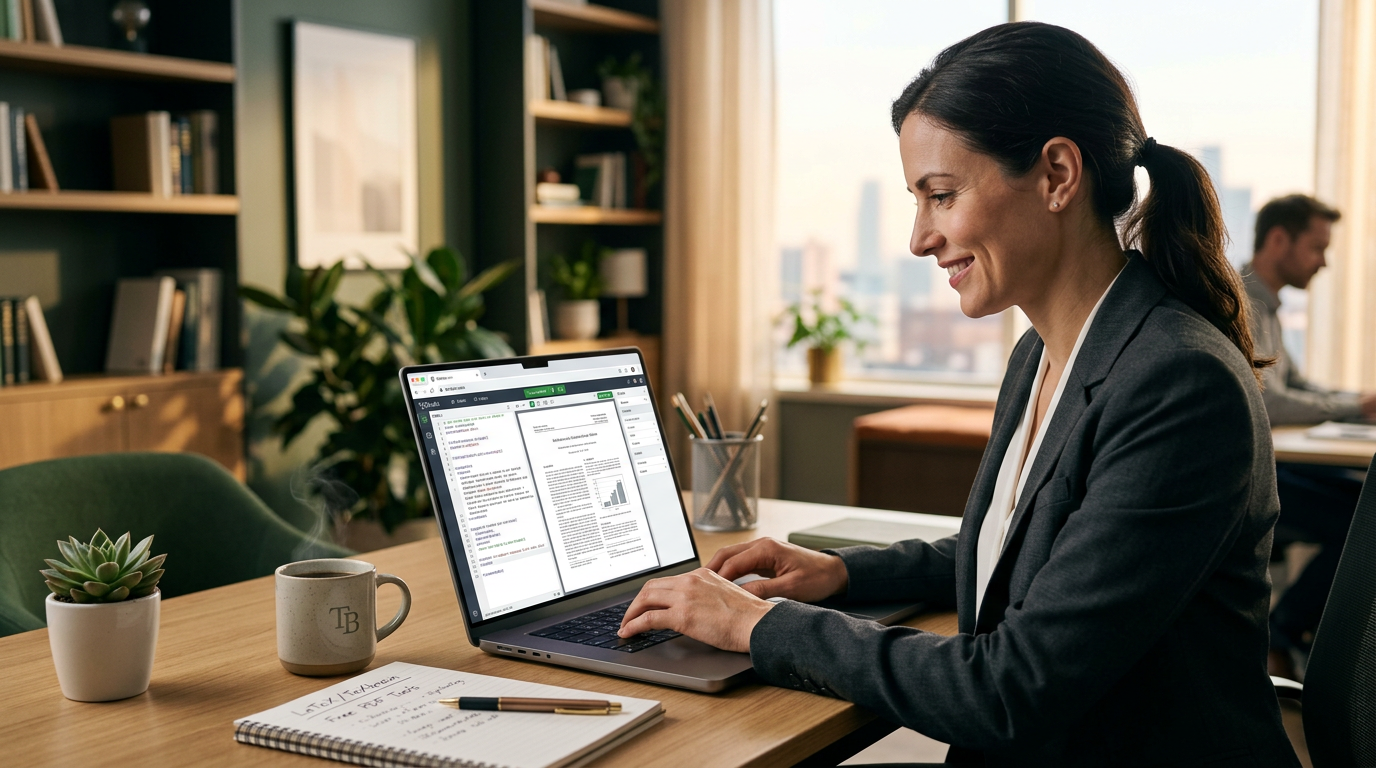
- Step 1: Open the Editor. Go to the TeXbrain project page and launch the editor. You'll see a split screen with code on the left and your document on the right.
- Step 2: Use AI as Your Assistant. Open ChatGPT or Claude. Tell it: "I need a professional business report template in LaTeX. Include a title page, a table of contents, and two sections for analysis."
- Step 3: Paste and Compile. Copy the code from the AI and paste it into the left side of TeXbrain. The software builds the PDF on the right. Download it and send it to your clients.
What to Watch Next
Keep an eye on these in-browser tools. We're moving toward a setup where you won't need to install any software on your laptop. Everything from video editing to document design will happen in a single tab. This is the fastest way to sand down your overhead costs. If you want to see how to wire these tools up to your business, join the next free 3-day training.
FAQ
Do I need to learn how to code to use TeXbrain?
No. You can use AI tools like ChatGPT to write the LaTeX code for you. You just need to copy and paste it into the editor to get a professional PDF.
Is my data safe if it runs in a browser?
Yes. Because TeXbrain uses WASM, the document processing happens on your computer's hardware through the browser, not on a third-party server.
Why is this better than Microsoft Word?
LaTeX ensures that your formatting never breaks or shifts. What you see in the editor is exactly what prints, every single time, regardless of the device.