A Beautiful AI Product Model Can Still Show the Wrong Product
Check geometry, materials, exports, and mobile presentation before using an AI model on a product page. Includes an acceptance checklist.
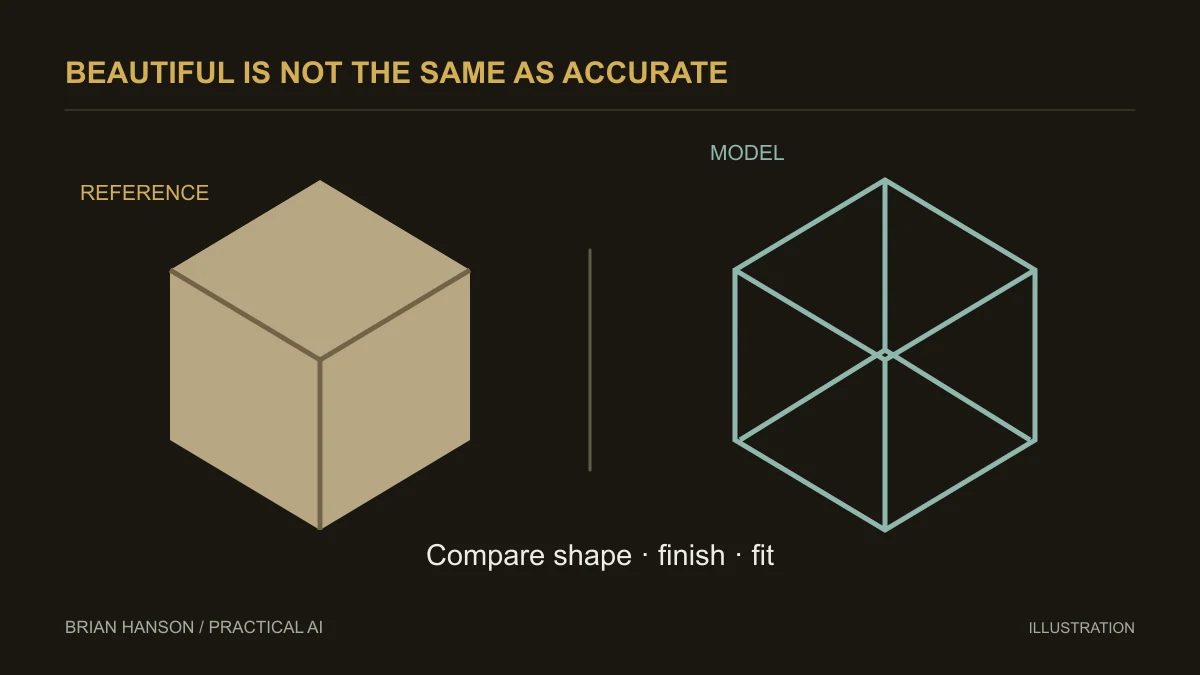
A polished render can hide a wrong handle, missing seam, or impossible dimension. Review the model against the item you sell before reviewing how impressive it looks.
Start with a product-accuracy requirement
An attractive image is not enough for a product listing. The model must represent the item a customer will receive: shape, proportions, finish, visible controls, and included accessories. Write a short acceptance checklist before choosing a tool. Use concept imagery for exploration, and label it appropriately when it does not depict the finished product.
What Cartesian currently describes
Cartesian by Formas presents AI-assisted 3D modeling for architecture and product design, with editable components and downloadable model studies. Its site offers a preview waitlist. These product descriptions are useful for evaluation, but they are not independent evidence of a particular time saving, price advantage, or conversion lift.
Confirm access, supported inputs, export formats, commercial usage terms, and compatibility with your storefront before treating the tool as a production dependency.
Use a one-product acceptance test
- Choose one uncomplicated product and gather approved reference photos and dimensions.
- Specify the required export format and maximum asset size for the intended viewer.
- Inspect every side against the reference, including text, handles, joins, and hidden surfaces.
- Ask a product owner to approve accuracy before publishing.
- Test loading, rotation, and fallback imagery on a real phone.
Keep the original product photo available. If a generated detail is ambiguous, use a corrected asset or the photo rather than presenting a guess as a product feature.
Compare the complete cost
Include setup, revisions, cleanup, export conversion, testing, and maintenance in your comparison with conventional rendering. Record the time for your own trial. An inexpensive first draft may still require skilled cleanup. If the result fails product-accuracy review, it has not replaced a production render.
This guide offers an evaluation method. It does not claim firsthand testing of Cartesian or promise the earlier article’s specific cost and speed savings.
Write the acceptance checklist first
| Check | Evidence to compare | Reason to stop |
|---|---|---|
| Shape and dimensions | Verified product specifications and reference views | Distorted proportions or missing parts |
| Materials and finish | Actual product reference | A finish or texture the buyer will not receive |
| File compatibility | Import into the intended application | Missing materials or an unusable export |
| Presentation | Real page on target devices | Slow or unclear interaction |
Record pass, revise, or reject for each row, with a reviewer and date. This is a proposed review process; the illustration does not depict a tested product or a measured result.
Continue with the AI marketing automation guide for a broader implementation plan.