How to Use Lightspeed AI to Cut Your Inventory Management Time in Half
Lightspeed's new built-in AI tools help merchants automate inventory orders and customer insights. Instead of using separate apps, business owners can now predict sales trends and manage stock directly from their point of sale dashboard, saving hours of manual data work every week.
Key Takeaways
- Lightspeed AI is now built directly into the POS platform to simplify operations.
- Merchants can use AI to identify slow-moving inventory and free up cash flow.
- Hospitality owners can predict busy periods to optimize staff scheduling.
- Automated purchase orders can save managers up to 5 hours of work per week.
- Customer segmentation tools allow for targeted marketing to high-value patrons.
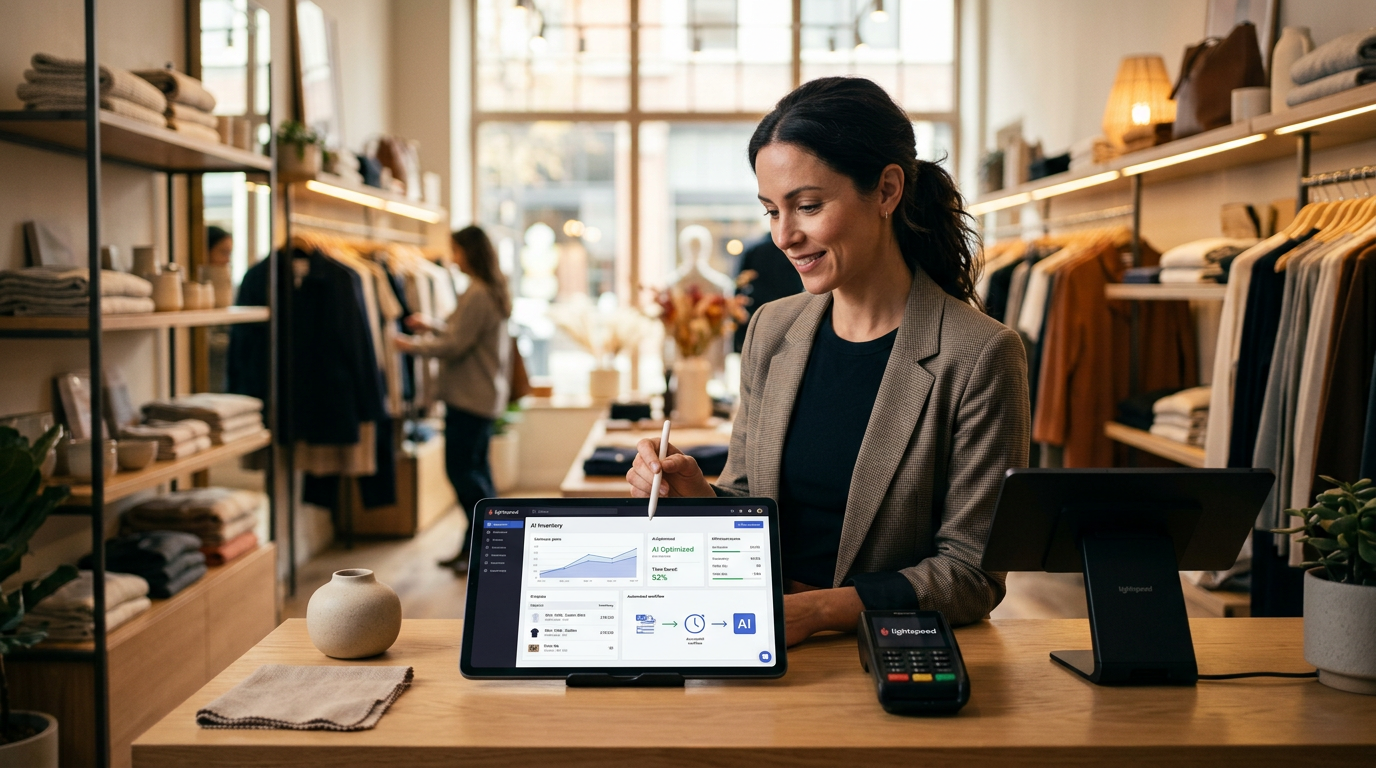
The Point of Sale System Just Got a Brain
If you run a retail shop or a restaurant, you probably spend too many hours staring at spreadsheets or guessing how many shirts or steaks to order for next week. Lightspeed just updated their platform to handle those mental gymnastics for you. According to eCommerceNews Australia, the company added a suite of built-in AI tools designed to help merchants manage operations without leaving their main dashboard. This isn't about fancy robots: it is about your cash register telling you what to do next.
I like this move because it stops the app juggling act. Most business owners I talk to are tired of paying for 5 different subscriptions that don't talk to each other. By putting these tools directly into the point of sale (the software you use to ring up customers), Lightspeed makes it possible to use advanced tech without being a computer programmer. You just log in to the same screen you use every morning and let the system crunch the numbers.
What These New Tools Actually Do for Your Bottom Line
The core of this update focuses on inventory and customer patterns. If you have ever been stuck with $5,000 worth of stock that won't sell, you know how much that hurts your cash flow. The new Lightspeed AI features are built to spot those trends before they become a problem. The system looks at your historical sales and tells you exactly what is moving and what is gathering dust on the shelf.
For hospitality owners, this means better labor planning. The software can predict busy periods based on past data, so you don't have 3 servers standing around doing nothing on a Tuesday afternoon. It also helps with menu engineering. If the system sees that people who buy the burger rarely buy a dessert, but people who buy the pasta always do, it gives you a clear path to changing your upselling strategy. It is basically a data scientist that lives inside your iPad.
How to Get Started with Lightspeed AI for Merchants This Week
You don't need to overcomplicate this. If you are already on the platform, you just need to know where to look to start saving time. Here is how I would approach it if I were sitting in your back office today.
First, run a Slow Mover report using the new insights. The AI identifies items that haven't moved in 90 days. Instead of letting them sit there, mark them down immediately to free up cash. Cash in the bank is always better than a sweater in a box.
Second, check the automated purchase order suggestions. The system can now draft orders based on your current stock levels and predicted demand. You should review these drafts rather than building them from scratch. This one change can save a manager 3 to 5 hours every single week.
Third, look at your customer segments. The new tools group your customers by how much they spend and how often they visit. Use this to send a specific offer to your Lapsed VIPs (people who used to spend a lot but haven't been in for a month). A simple email to 50 of these people is worth more than a generic post to 5,000 strangers on Facebook.
Fourth, simplify your menu or catalog. Use the AI to identify the bottom 10% of your products that contribute the least to your profit. Cut them. A smaller, tighter selection is easier to manage and usually leads to higher margins because you aren't wasting money on variety that nobody wants.
The Shift from Recording to Predicting
For years, your POS was just a digital ledger. It recorded what happened in the past. These new tools shift the focus to the future. You are moving from "What did I sell yesterday?" to "What should I buy for next month?" That is a massive change for a small shop owner who is usually too busy putting out fires to think about next quarter.
I expect we will see more of these in the box updates from other providers soon. The era of needing to be a tech expert to use AI is over. Now, it is just a toggle switch in the settings menu of the tools you already pay for. Keep an eye on your dashboard for these features to roll out fully, and don't be afraid to click the buttons. You can't break the software by looking at the data it provides.
If you want to see exactly how to wire these tools into your daily routine, my 3 day training covers the basics of turning data into profit without the headache. It is the best next step for anyone who wants to stop doing manual entry and start growing.
FAQ
Do I need to pay for a separate AI app to use these features?
No, these tools are being integrated directly into the Lightspeed Retail and Hospitality platforms, so you can access them from your existing dashboard.
How does the AI know what I should order?
The system analyzes your historical sales data and current stock levels to predict future demand and suggests purchase orders based on those patterns.
Can this help me with my restaurant staffing?
Yes, the AI tools can predict peak hours based on past performance, helping you schedule the right number of staff to avoid overspending on labor.