How to Use Canva Craft to Generate Layered Marketing Designs
Canva Craft is Canva's new built-in AI model that generates 2K resolution images optimized for marketing layouts. It replaces the need to toggle between external AI generators by allowing for layered, editable assets.
Key Takeaways
- Canva Craft uses a two-stage process to ensure visual hierarchy and legible text.
- The model is trained on professional templates, not just photos, making it better for business assets.
- Images can be converted into layered, editable designs using Canva Magic.
- Access the tool through the Dream Lab tab in your Canva account.
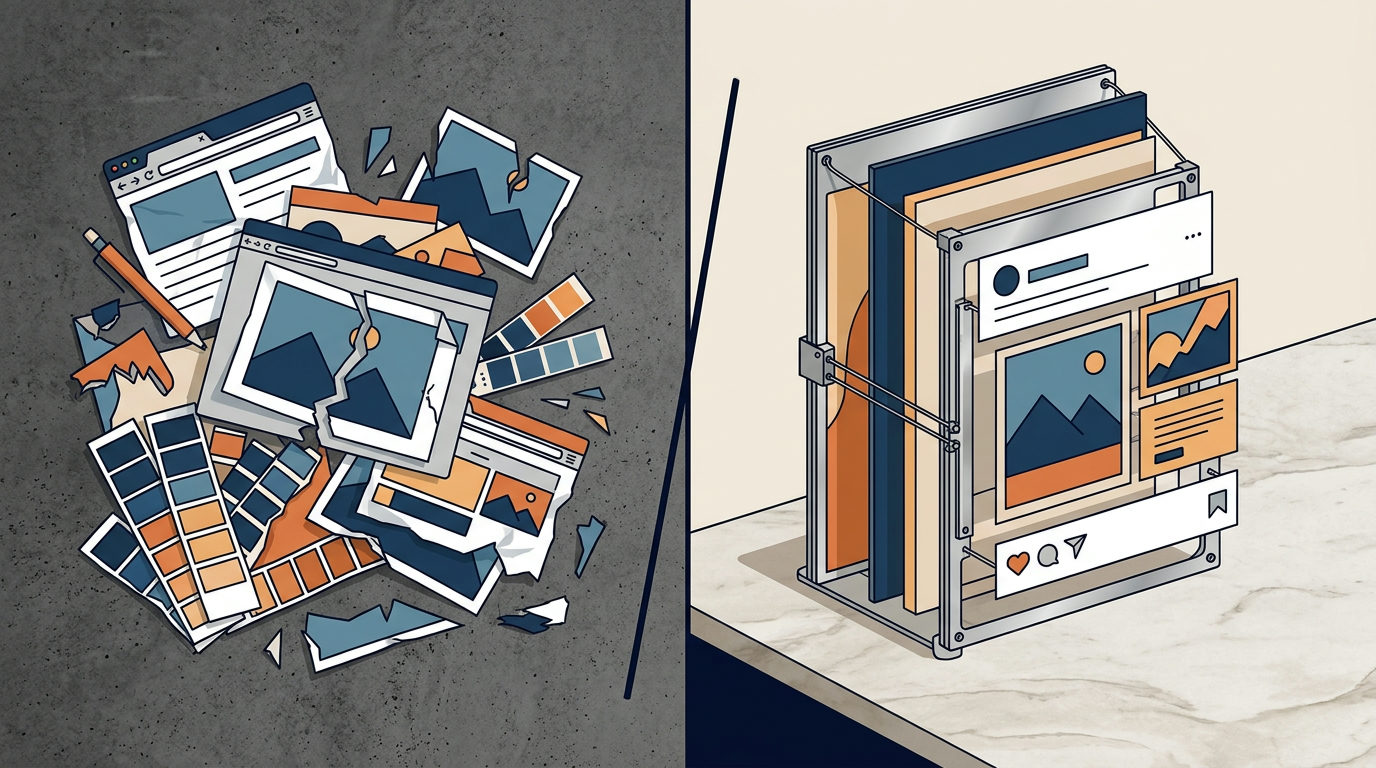
You likely waste time generating images in Midjourney, downloading them, and then uploading them to Canva to add text. Canva Craft, the platform's first native image model, strips back those extra steps. It creates 2K resolution images directly inside your design tab, specifically trained on marketing templates like posters and infographics rather than just random photographs.
Why Canva Craft Is Different
This model works in two stages. First, it maps out a plan for where objects, text, and visual hierarchy should sit. Second, it generates the actual image in one of 30 different aspect ratios. You can create a square Instagram post and a tall Pinterest pin with the same prompt, and the layout probably won't fall apart.
The model was trained using Canva’s own library of human-designed templates. Because of this, the images it produces handle legible text and specific design layouts. If you need a menu or a presentation slide, the AI understands the structure of those documents because it studied real posters and social posts.
| Feature | Canva Craft | Third-Party AI (Midjourney/DALL-E) |
|---|---|---|
| Workflow | Native inside your design canvas. | Requires export and import. |
| Resolution | Up to 2K. | Varies (typically 1K to 2K). |
| Editing | Precise edits to specific parts. | Often requires complex "in-painting." |
| Training Data | Marketing templates and layouts. | General photos and art. |
Turn Images Into Editable Designs
The most useful part of this tool is its connection to Canva Magic. Because the AI understands layers, you can often convert these generated images into actual design files. This lets you move elements around or change the text after the AI creates the initial draft. You aren't stuck with a flat image where the text is baked into the background.
To find it, look for the Dream Lab tab inside your Canva dashboard. It is available to all users now. Canva is also working on faster versions called Craftfast and Craft-ultrafast for quicker drafting. If you want to keep your brand looking consistent without learning complex prompting, start here.
If you want to see how to wire up these tools to your daily marketing workflow, join our next free 3-day training.