How to Use Adobe's New AI Critic to Audit Your Visual Brand
Adobe is launching an AI feature in its camera app that critiques your photos for composition and lighting in real time. This allows small business owners to audit their visual brand and fix amateur photography mistakes before they hit the web.
Key Takeaways
- Adobe's Project Indigo provides real-time AI scores for photo quality.
- The tool analyzes professional metrics like lighting balance and the rule of thirds.
- Using AI feedback can help non-photographers create higher-converting marketing images.
- Replacing low-quality DIY photos on sales pages can improve customer trust.
- Regular use of the app trains the business owner's eye to spot visual flaws naturally.
Stop Guessing and Start Grading Your Marketing Photos
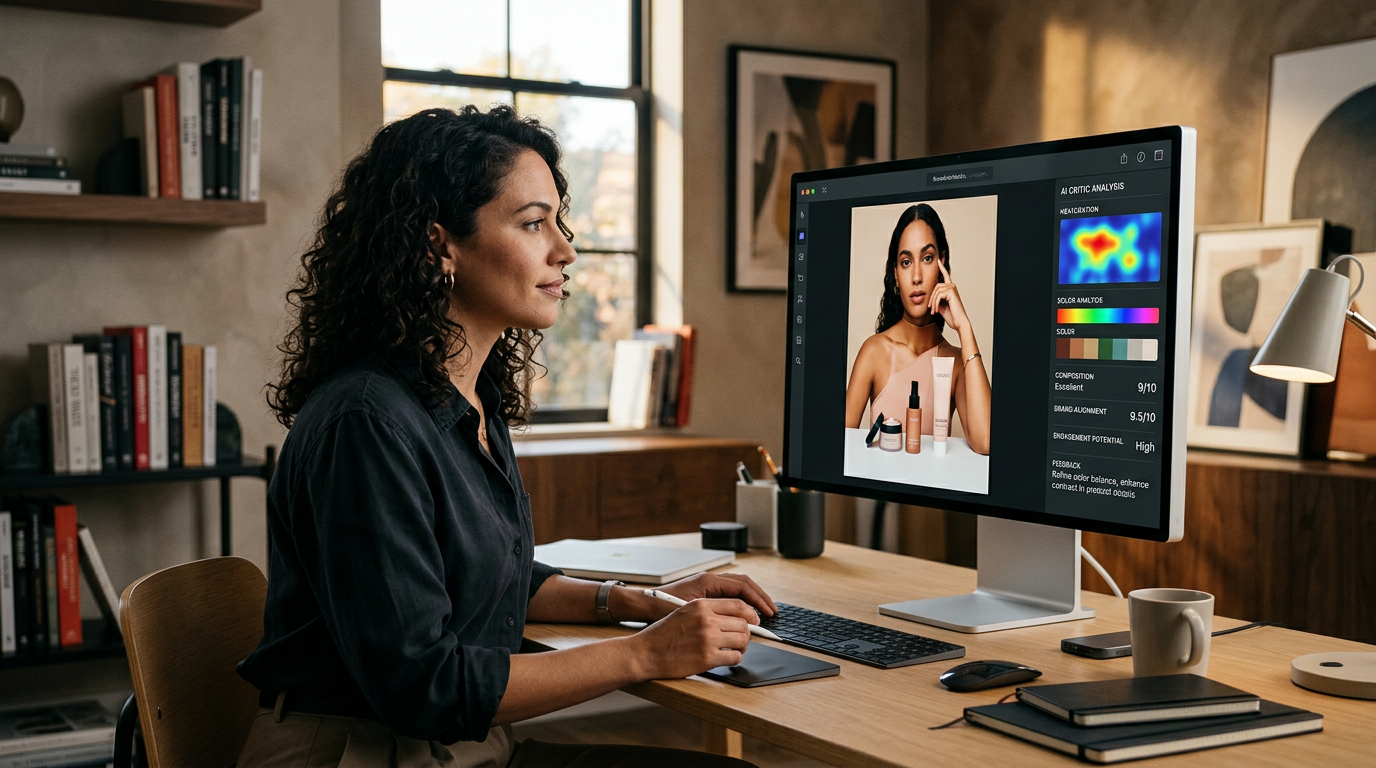
Most business owners I talk to are tired of the guessing game with their marketing photos. You take a picture of a new product or your office and it looks fine to you, but you aren't sure if it looks professional to a customer. Adobe's fixing this with a new tool in their camera app that uses AI to critique your photos as you take them. This feature, part of a research project called Project Indigo, acts like an art director sitting on your shoulder.
The tech works by analyzing the composition, lighting, and focus of your shot in real time. Instead of just clicking and hoping, the app gives you a score and specific feedback on how to improve the image. For a small business owner, this means you can stop posting grainy or poorly framed photos that make your brand look amateur. You get a clear signal on whether a photo is good enough for your website or if you need to adjust the angle.
The AI Art Director in Your Pocket
Adobe's tool isn't just checking if the photo is blurry. According to TechCrunch, the AI evaluates artistic qualities that usually require a trained eye. It looks at the rule of thirds (a way of placing subjects off-center to make them more interesting) and lighting balance. It then translates those concepts into simple suggestions you can follow immediately.
I like this because it removes the ego from the process. When you're the one taking the photo, it's hard to be objective. The AI doesn't care about your feelings; it only cares about the data that makes an image look high-quality to the human eye. If the lighting is too harsh or the background is distracting, the app tells you before you waste time uploading it to your social media or sales pages.
From the Trenches
I see too many businesses lose sales because their photos look like an afterthought. High-quality visuals are your first handshake with a digital customer. If your photos look cheap, they assume your service is cheap too. Bolting an AI critic onto your daily workflow ensures every image you put out there meets a baseline of professional quality without you having to hire a photographer for every small update.
How to Audit Your Visual Brand This Week
You don't need to be a tech expert to start improving your brand's look. Here is how I would use this tool to strip back the clutter and sharpen your marketing visuals right now.
First, download the Adobe camera app and look for the feedback features. Take 5 photos of your core product or your storefront as you normally would. Look at the scores the AI gives you. If you are consistently scoring below 70%, you have a systematic problem with your lighting or your phone's position. This is the fastest way to find the leaks in your visual branding.
Second, use the real-time feedback to adjust your setup. If the AI says the lighting is too low, move closer to a window. If it says the subject is centered too tightly, step back. Do not overthink it. Just follow the prompts until the score goes up. You are training your own eye by following the AI's lead. Eventually, you will start seeing these flaws before the app even points them out.
Third, stack your new photos against your old ones. Replace the lowest-performing images on your Google Business Profile or your website's landing page. Even a small improvement in photo quality can change how a customer perceives your prices. People pay more for things that look better. It is a simple fact of human psychology.
What to Watch Next
This is just the start of AI moving from creating content to grading it. I expect we will see more tools that tell us if our writing is clear or if our video backgrounds are too messy. For now, focus on your photos. If you want to see exactly how to wire these AI tools into your daily business routine, my free 3-day training is the next step where I walk through these setups live.
FAQ
What is AI photo critique for business?
It is a tool that uses artificial intelligence to analyze your photos and provide feedback on technical and artistic elements like lighting, focus, and framing to ensure they look professional.
Do I need to be a professional photographer to use this?
No, the tool is designed for non-experts. It gives simple, plain-English suggestions to help you improve your shots as you take them.
How does this help my business make more money?
Professional-looking photos build trust. When your website or social media looks high-quality, customers are more likely to believe in your product and pay your asking price.