Your First Shopify Automation Should Be Easy to Undo
Compare Sidekick and Flow, then define and test one internal workflow before enabling it. Includes a decision table and test cases.
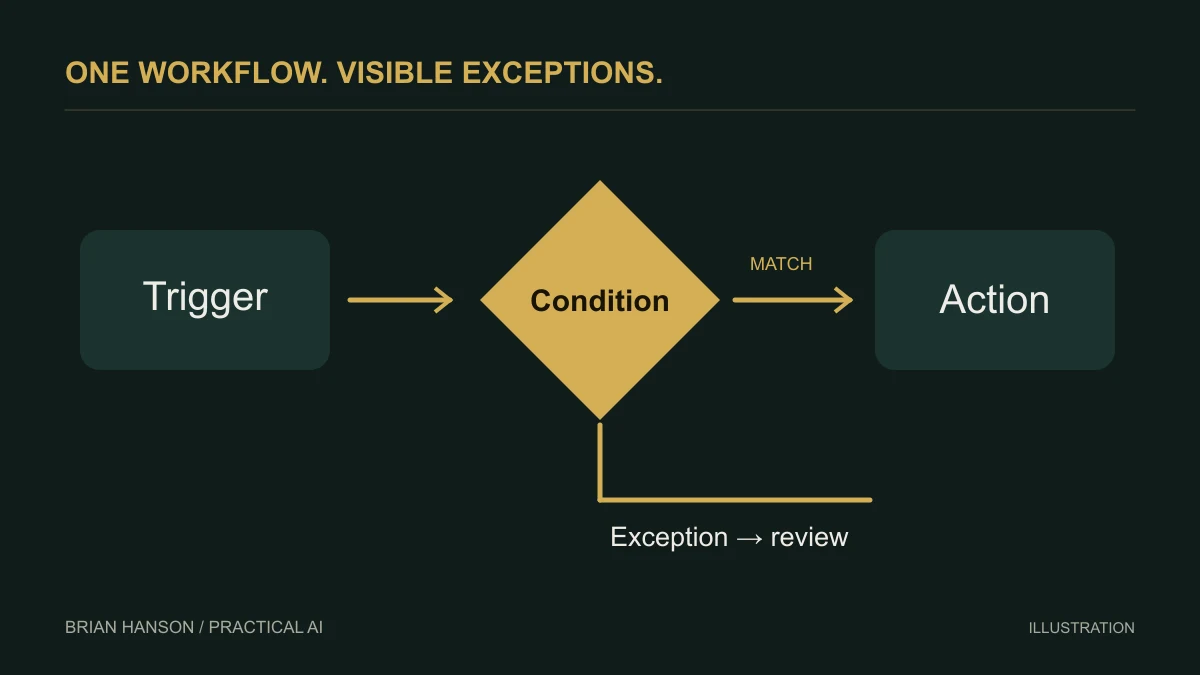
Pick a task where a mistake creates a review item, not an email to a customer or a refund. That gives you room to learn what the automation actually does.
Assistant or repeatable workflow?
| Need | Starting point | Your responsibility |
|---|---|---|
| Explain a task or draft a change | Sidekick | Review the proposed answer or change |
| Run a defined action after an event | Flow | Define and test the trigger, conditions, and action |
| Automatically handle every store decision | Neither is a complete business operating plan | Choose bounded tasks and keep accountable owners |
Which Shopify tools should you start with?
For a manageable first project, separate an assistant from an automation. Shopify describes Sidekick as an assistant inside the merchant admin that helps with questions, content, and store tasks. It presents changes for review. That does not make it a customer-facing sales representative or give it permission to run every part of your store unattended.
Build one workflow before expanding
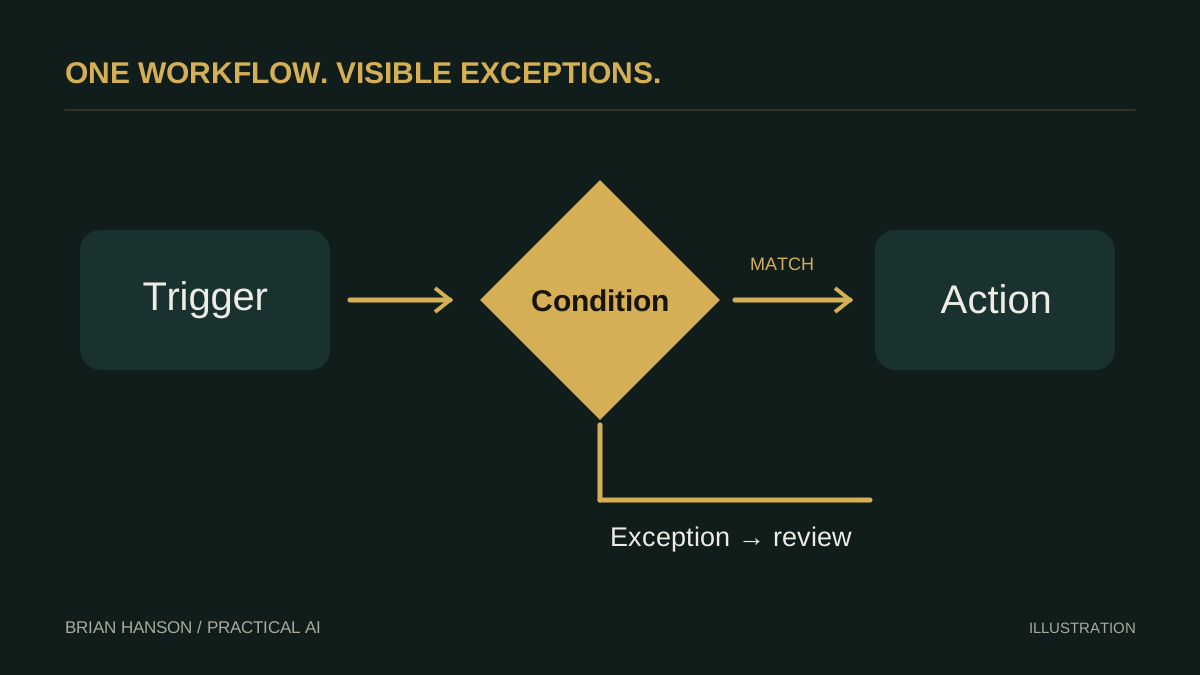
Shopify Flow documentation explains how to create a workflow manually, from a template, or with Sidekick. A generated workflow starts inactive and must be reviewed, tested, and enabled. Begin with a reversible internal task, such as tagging an order for staff review. Save customer messages, refunds, discounts, and inventory changes for later, after you understand the behavior.
- Write the trigger in plain language: exactly what event should start the workflow?
- List the condition that must be true, including exclusions.
- Choose one action and identify who owns failures.
- Run test cases for a match, a non-match, and missing data.
- Enable it only after reviewing the output.
Example brief to give your assistant
Try: “Help me draft a workflow that tags qualifying orders for manual review. Show the trigger, conditions, and action. Do not enable it. Tell me which fields you need and what happens when a field is missing.” Replace “qualifying” with your real order rule before using the prompt.
This is a proposed implementation pattern, not a claim that it has produced a particular sales increase. Track the number of correct tags and the staff time required to fix mistakes.
Keep the exception path visible
A workflow should have an owner, a stop switch, and a small log of unexpected results. Check for repeat triggers and whether the action can happen twice. Shopify notes that workflow execution may be delayed; do not promise an instant response to a customer based on a background automation. Review the store’s current capabilities and app permissions before adding paid tools.
A small test sheet
| Test | Expected behavior |
|---|---|
| Order matches your rule | The internal review tag is added |
| Order does not match | No tag is added |
| Required field is missing | The agreed exception path is followed |
| The same event is processed again | No duplicate customer-facing action occurs |
Record the actual outcome next to the expected one. These are proposed acceptance checks, not results from a tested store.
Continue with the AI sales and customer service guide for a broader implementation plan.