How to Bolt AI onto Your Business Using the Old Computer in Your Storage Closet
You can train custom AI models on old office desktops with as little as 6GB of VRAM. By using Linux and small, high quality datasets, small businesses can build private, low cost AI tools without buying expensive new servers or paying for high end cloud subscriptions.
Key Takeaways
- Old hardware with 6GB VRAM is sufficient for training specialized AI models.
- Linux is the preferred operating system for maximizing limited hardware memory.
- Fine-tuning existing models is more efficient than building AI from scratch.
- Small, high quality datasets are better for local training than massive, messy ones.
- Running AI locally keeps business data private and eliminates monthly subscription costs.
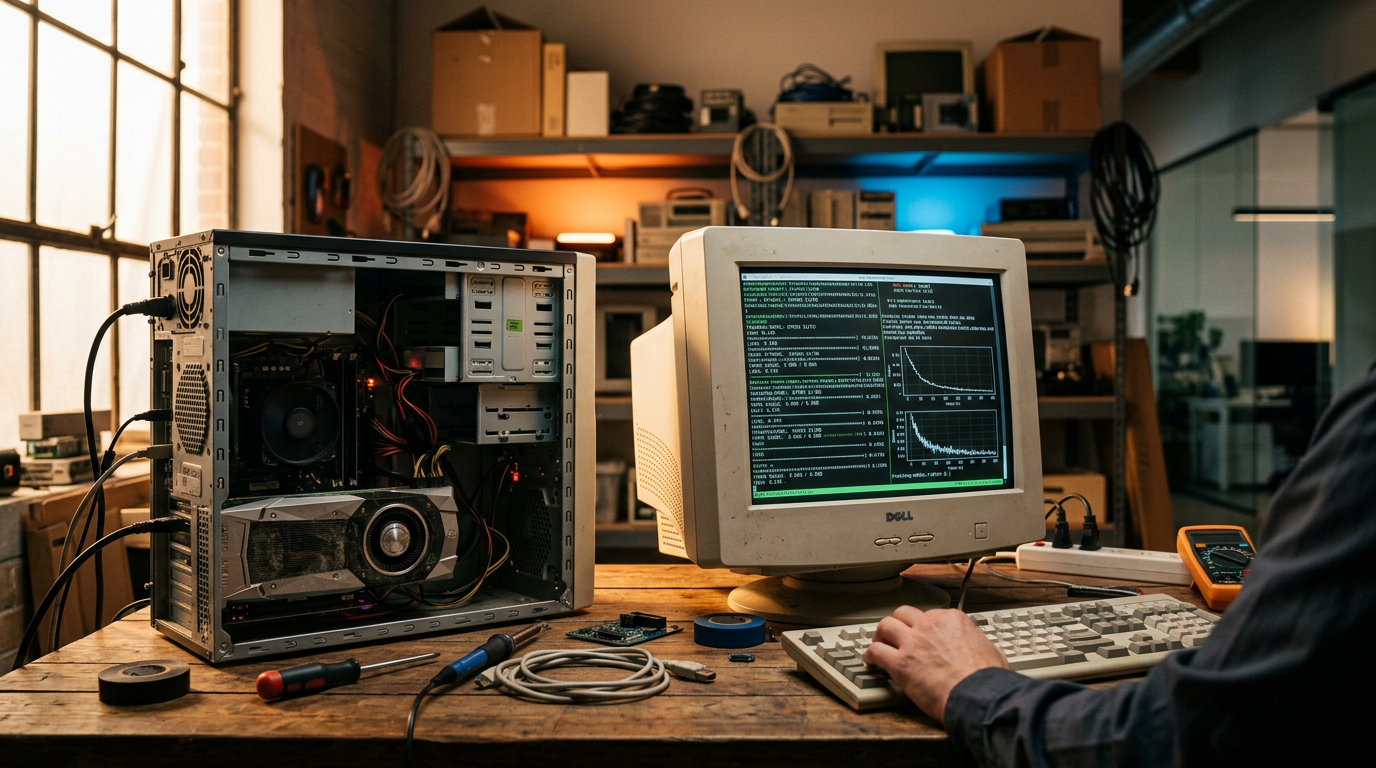
Stop Buying New Hardware and Start Wiring Up What You Already Have
Most small business owners think they need a $10,000 server or a massive monthly cloud bill to build custom AI tools. They see the news about billion dollar data centers and assume they're priced out. That's simply not true. You can take an old desktop with a basic graphics card and turn it into a specialized worker for your business right now.
I'm talking about low cost AI model training using hardware that's likely gathering dust in your office. If you have a machine with 6GB of Video RAM (VRAM), you have enough power to train a model. VRAM is just the specialized memory inside your computer's graphics card that handles complex math. While big tech companies use cards with 80GB or more, research shows you can train a diffusion model on a 6GB Linux desktop. A diffusion model is a type of AI that learns to create new data, like images or sounds, by studying examples you give it.
The 6GB Threshold: Why Your Old PC is a Goldmine
The logic is simple. You don't need to teach an AI everything about the world. You only need it to learn your specific business tasks. When you strip back the requirements, the hardware needs drop fast. Using a process called fine-tuning (which is just taking an existing AI and giving it a final polish with your specific data), you can create tools that write in your voice or organize your files.
Research confirms that even specialized audio models can be trained on a budget. For example, practitioners have successfully trained high quality sound models using an old Nvidia RTX 2060 card. This specific card was released years ago and is common in many mid range office computers. If that card can handle complex audio generation, it can handle the text based tasks your business needs to automate.
From the Trenches: Practitioner Note
I've seen business owners spend thousands on laptops they don't need. Before you swipe your card, check the sticker on the side of that old tower in the corner. If it has a dedicated graphics card, it's a candidate for a dedicated AI workstation. Think of it as a digital intern that never sleeps and costs $0 in monthly subscriptions.
How to Stack Your Own Low Cost AI Setup
You don't need to be a coder to get this running. You just need to follow a specific sequence to wire up your hardware. Here's the path to turning that old machine into a business asset.
1. Clean the Slate
Wipe the hard drive and install a lightweight operating system like Linux. It's free and uses far less memory than Windows, which leaves more room for the AI to work. Most practitioners use Ubuntu because it's the standard for these types of projects. This ensures your 6GB of VRAM isn't being wasted on background apps or visual tricks you don't need.
2. Inventory Your Data
AI is only as good as the examples you feed it. If you want a model that answers customer emails, collect 500 of your best past responses. If you want it to generate product descriptions, gather your top selling listings. You don't need millions of rows of data. For local, low cost training, quality wins every time. Small, curated datasets are what make 6GB hardware viable.
3. Use Pre-Built Frameworks
Don't try to build an AI from scratch. Use tools like Hugging Face (a massive library of free AI models) to find a base model. You're just adding a thin layer of your own business knowledge on top of it. This is like buying a pre-built house and just painting the walls. It saves time and requires significantly less computing power.
3 Practical Actions for Your Business This Week
- Audit your hardware: Check your office for any computers with an Nvidia graphics card. Look for labels like RTX or GTX. If it says 6GB or higher on the box or in the settings, it's ready for AI work.
- Start your Gold Set of data: Create a folder and start saving examples of the work you want to automate. This could be 100 perfect project quotes or 50 successful marketing emails. This will be your training material.
- Test a local interface: Install a tool like LM Studio or Ollama on your current computer. These are free programs that let you run AI locally without sending data to the cloud. It's the first step in seeing how your hardware handles the workload.
What to Watch Next
Keep an eye on quantization techniques. This is a word for shrinking AI models so they fit on smaller chips without losing their smarts. As these techniques get better, that 6GB card in your closet will actually become more powerful. We're moving toward a world where every small business runs its own private AI on-site for pennies. If you want to see exactly how we wire these systems up live, my 3-day training covers the exact steps to get your first model running without the tech headaches.
FAQ
What is VRAM and why does it matter for AI?
VRAM is Video Random Access Memory. It's the specialized memory on your graphics card. AI models use this memory to process data. Having at least 6GB allows you to run and train smaller, specialized business models.
Do I need to know how to code to train an AI model?
No, you can use pre-built frameworks and open source tools that provide a simple interface. The focus is more on organizing your business data than writing lines of code.
Is it safe to run AI on my old office computer?
Yes, running AI locally is often safer than using cloud tools because your sensitive business data never leaves your physical machine. Just ensure the computer has proper cooling as AI training makes the hardware run hot.