Google’s New Visual Tools Mean You Can Stop Guessing and Start Selling
Google Marketing Live recently introduced AI-powered creative tools that automate image generation and localization. This allows small business owners to test multiple ad variations instantly, lowering costs and helping them compete with larger brands by focusing on speed and volume over expensive manual production.
Key Takeaways
- Google's new tools allow for instant background and style swaps for product photos.
- Localized marketing can now be scaled without manual creative work for every location.
- Testing multiple assets usually outperforms waiting for one specific design.
- Performance Max campaigns are the primary way to use these new automated creative features.
- Small businesses can now produce video-style content from still images using Google's AI.
The End of the Expensive Photoshoot
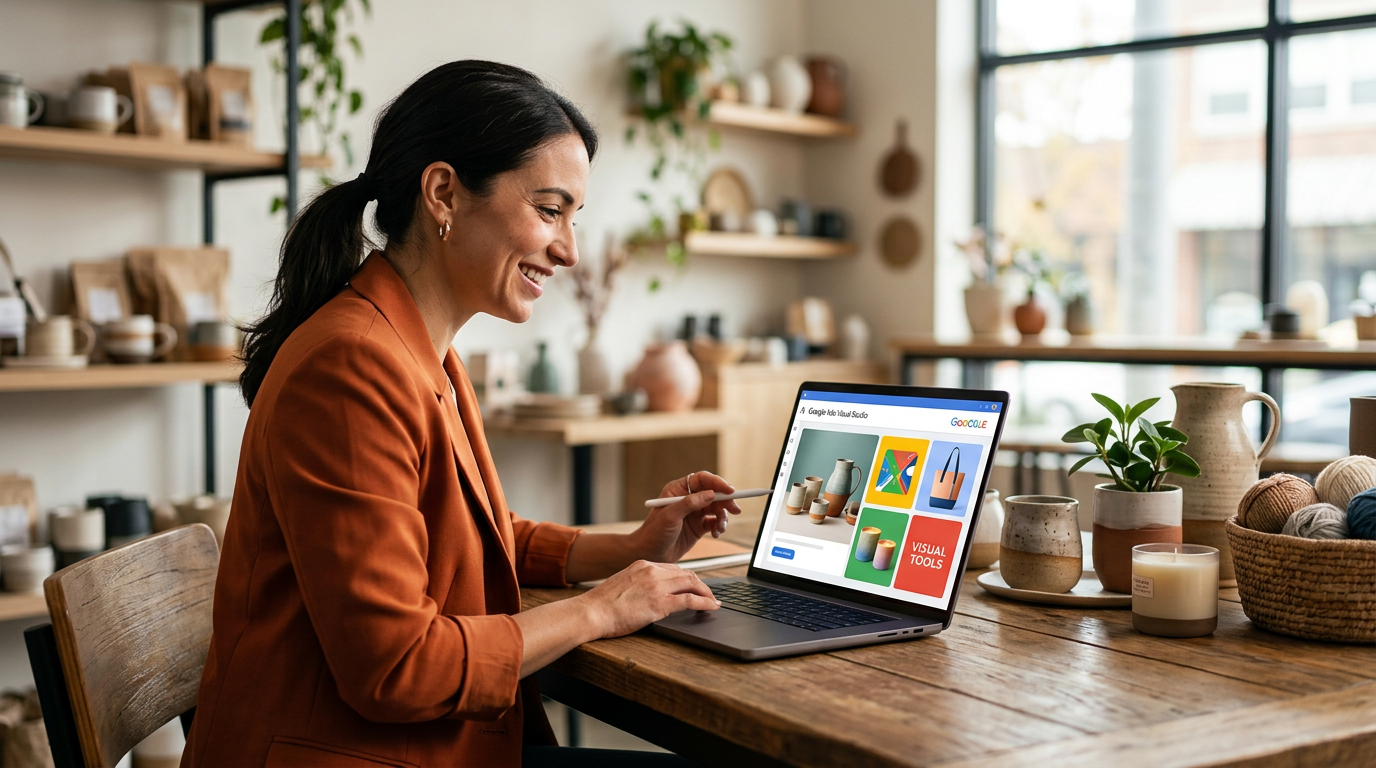
Google just stripped back the barrier for small businesses trying to run high-quality visual ads. According to updates from Google Marketing Live, the focus has shifted toward building automated tools that handle the heavy lifting of creative production. For a long time, if you wanted to test 5 different looks for a product, you had to hire a photographer or spend hours in complicated design software. That era is over. These new features allow you to generate and swap out backgrounds or product styles with a few clicks.
I see business owners get stuck in the planning phase because they don't have a specific photo. They wait weeks for a graphic designer to get back to them. Meanwhile, competitors are already in the market. Google is now letting you wire up your product feed directly to their image generators. This means you can take 1 decent photo of a lawnmower or a coffee mug and place it in 12 different settings instantly. It is about speed and volume rather than a single shot.
Localized Marketing Without the Manual Labor
The real win for small businesses is the ability to localize at scale. If you operate in 3 different cities, you used to need 3 sets of ad copy and 3 sets of images to feel relevant to those specific areas. Google is making it easier to bolt on local details to your ads automatically. Research from PKemp.ai highlights that these tools help businesses reach customers with relevant, localized content without needing a marketing department.
Think about how much time you save when the system handles the variations for you. You aren't just running 1 ad. You are running a system that learns which image works best for a person in a specific zip code. This is about stacking the odds in your favor by showing people what they actually want to see (and buy).
From the Trenches
The biggest mistake I see is business owners trying to be too precious with their brand assets. In the digital world, the market decides what looks good. I have seen simple photos taken on an iPhone outperform professional studio shots by 40% or more. Use these new Google tools to throw 5 different versions against the wall and see what sticks. Don't fall in love with your first draft.
How to Use These Tools This Week
You don't need a degree in data science to start using these updates. Start small. Pick your best-selling product and try these 3 steps.
First, audit your current image assets. If you only have 1 photo of your top product, you're leaving money on the table. Use Google’s new generative tools to create 4 variations of that image. Change the background from a plain white screen to a home setting or an outdoor scene. This helps the customer visualize the product in their own life.
Second, set up a Performance Max campaign if you haven't already. This is Google's system that puts your ads across Search, YouTube, and Maps. The new tools are being baked directly into this workflow. By providing more image options, you give the system more fuel to find you customers. Google’s latest updates make these campaigns more effective for smaller budgets by automating the creative testing process.
Third, lean into the localization features. If you serve a specific geographic area, make sure your settings reflect that. Use the automated text suggestions to include the names of the towns or neighborhoods you serve. The system can now help you scale these local touches across hundreds of ads simultaneously.
What to Watch Next
Keep an eye on how Google integrates video. They are moving toward a world where you can turn a few still photos into a short, punchy video for YouTube Shorts. This is the next frontier for small businesses that can't afford a film crew. The barrier to entry for marketing is hitting the floor. The winners will be the ones who stop overthinking and start testing. If you want to see exactly how to wire these tools into your specific business, my 3-day training walks through the process step by step.
FAQ
Do I need a big budget to use these new Google tools?
No. These tools are built directly into the Google Ads platform and are designed to help smaller accounts maximize their reach without hiring a creative agency.
What is a Performance Max campaign?
It is a goal-based campaign type that allows you to access all of your Google Ads inventory from a single campaign, using AI to optimize where your ads appear.
Will AI-generated images look fake?
The current tech is very advanced. For product backgrounds and simple variations, it usually looks indistinguishable from professional photography to the average scroller.