Generate Professional Voiceovers Locally with a 32MB AI Model
You can generate professional audio locally without a subscription. New 32MB models like Underdog's Woof allow you to turn text into speech directly on your laptop without an internet connection.
Key Takeaways
- Ultra-compact models (32MB to 167MB) run on standard business laptops without specialized hardware.
- Running AI locally eliminates per-minute cloud fees for transcription and voice generation.
- Local processing keeps sensitive business scripts and meeting audio off third-party servers.
- The Woof and Bark models provide a complete, private audio workflow for text and speech.
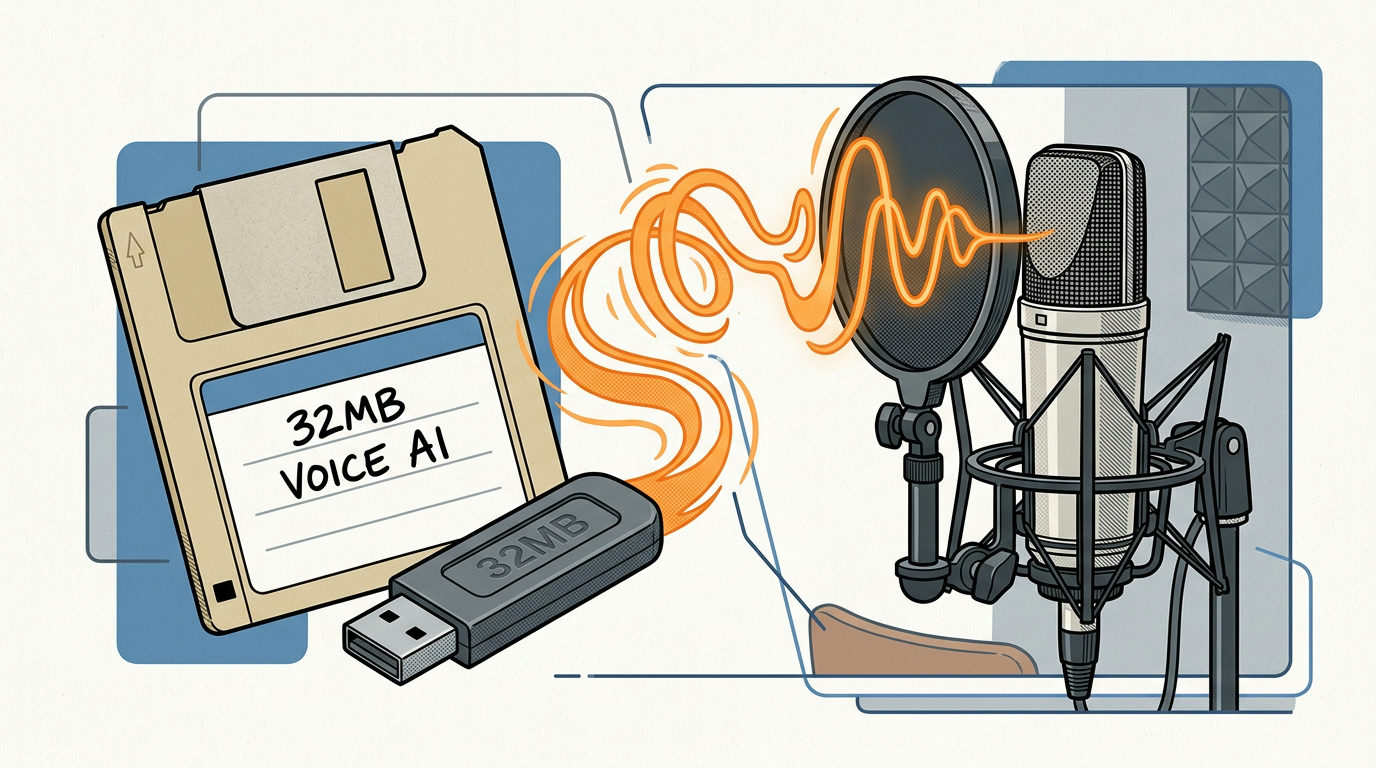
You don't need a $30 monthly subscription to generate high-quality AI voiceovers. While most people think human-like audio requires a massive data center, you can now run these tools directly on a standard office laptop. A startup called Underdog recently released a speech model named Woof that's only 32MB. That's about the size of 10 high-resolution photos.
Because the file is so small, it runs inside a web browser or on your hard drive without an internet connection. This lets you strip back your overhead by cutting per-word or per-minute cloud fees. It also keeps your sensitive company scripts and internal announcements private because the data never leaves your machine.
How Ultra-Compact Models Work
Developers are shrinking these tools by removing unnecessary data while keeping the core ability to speak clearly. Underdog's Woof model uses 31 million parameters (internal connections that turn text into speech). It's small enough to stay in your computer's short-term memory (RAM) for instant playback.
While a tiny model might not have the emotional range of a professional actor, it's capable of handling routine business tasks. You can bolt it onto your workflow to narrate training slides, create audio versions of newsletters, or build a private voice assistant for your team.
The Local Audio Stack
You can stack two specific tools from Underdog to handle your entire audio workflow without specialized hardware:
- Bark (167MB): This model handles speech-to-text. Use it to transcribe meetings or dictate emails privately.
- Woof (32MB): This model handles text-to-speech. Use it to generate the voiceovers for your content.
Underdog's founder, Sigil Wen, designed these to run on the devices you already own. The goal is to let you own your data by running capable models locally instead of relying on cloud providers.
How to Test Local Voice Generation
You can test these models today without writing any code:
- Visit the Underdog browser demo.
- Type a sentence into the typewriter interface.
- Listen to the playback to check the quality.
The model is open for download if you want to wire it up to your own internal tools. If you're tired of monthly fees for basic voice tasks, start using these models that live on your machine. To see exactly how to install these private tools on your computer, join our next 3-day training where we walk through the setup step-by-step.