Build Your Own $50 Privacy-First AI Hardware for Your Business
You can run AI models like Qwen on a $50 Raspberry Pi. This lets business owners build custom tools for fleet tracking and office security without monthly fees, keeping all data on-site and under your control.
Key Takeaways
- Local AI saves money by eliminating monthly software subscriptions.
- Small devices like the Raspberry Pi 5 are now powerful enough to run models like Qwen.
- Keeping AI data on-site improves business security and customer privacy.
- Open-source projects like CarWatch provide a free blueprint for business automation.
- Starting with 1 narrow task, like vehicle detection, is the fastest way to see a return.
Stop Paying Monthly Fees for Basic Business Automation
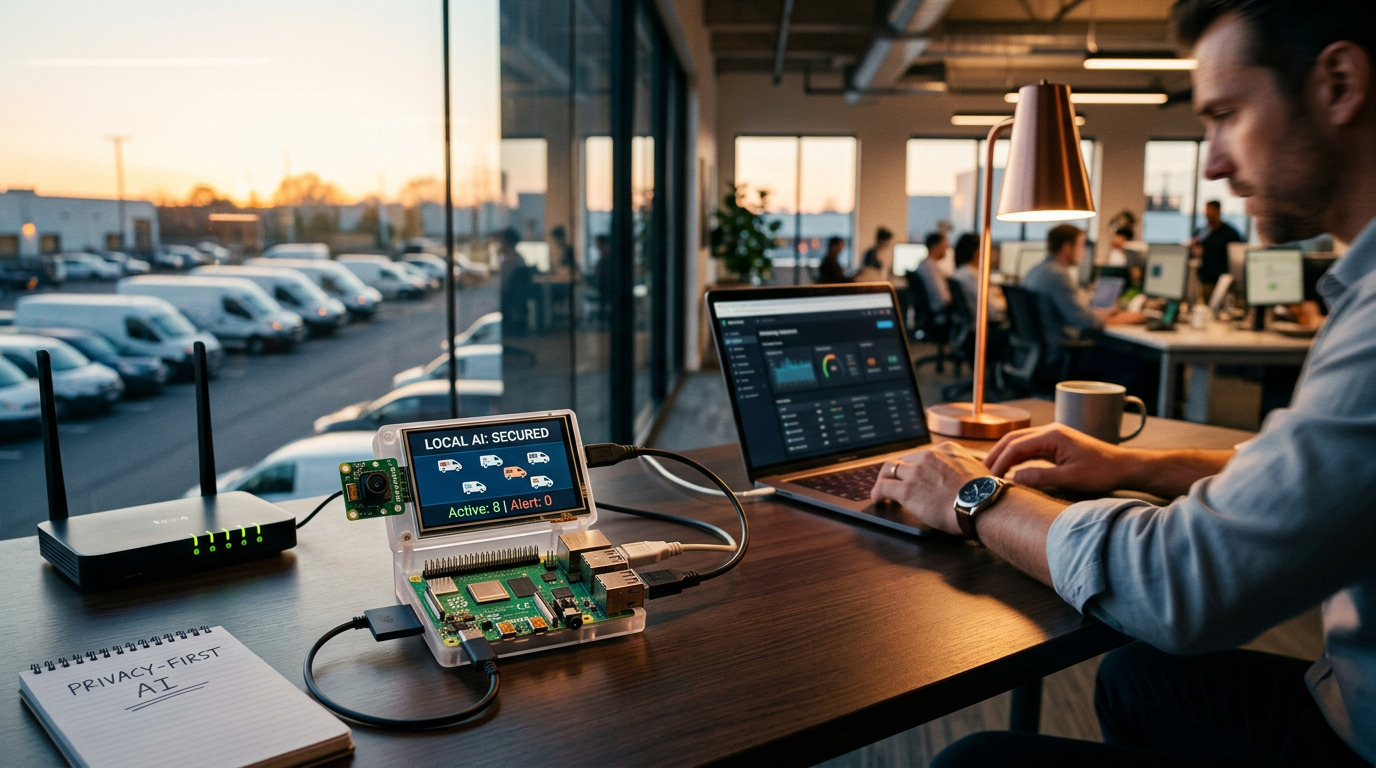
Business owners often get trapped in subscription cycles. You want to track your fleet or monitor your office, so you buy a device that charges $30 a month forever. There's a better way to do this using a $50 Raspberry Pi (a tiny computer about the size of a deck of cards) and free software. You can bolt together a custom system that handles tasks like license plate recognition or inventory tracking without sending a single byte of data to a third-party cloud.
Practitioners call this local AI. It means the brain of the system lives on the hardware inside your building or vehicle. You don't need a massive server room or a computer science degree. Recent developments show that even a cheap Raspberry Pi can now run models like Qwen to process information in real-time. A developer recently shared a project called CarWatch that proves you can turn these small devices into intelligent car assistants or monitoring tools for almost no cost.
The Build vs. Buy Math for Small Business
If you have 5 delivery vans and pay $40 a month for a tracking system, you're out $2,400 every year. That money just disappears. By using open-source tools (software that's free for anyone to use and change), you pay for the hardware once and own the system. A Raspberry Pi 5 costs about $60, a camera module is $25, and the software is free. You break even in less than 3 months.
Privacy is the other big win. When you use a big-name provider, they own your data. They know where your trucks are, what time your shop opens, and who walks through your front door. When you run a local system, that data stays on your physical device. If you're in an industry with strict privacy rules, this is a massive security upgrade.
How to Wire Up Your First Local AI Device
You don't need to write code. You just need to follow a recipe. The first step is getting a Raspberry Pi 5 and an SD card. You'll install an operating system (the software that makes the computer run) just like you'd set up a new laptop. From there, you can use the CarWatch project as a template to get the AI talking to a camera.
Start with a simple task like Object Detection. This tells the AI to look at a video feed and identify things like person, truck, or package. The Qwen model is small enough to fit on these tiny chips but smart enough to tell the difference between a stray cat and a delivery driver. You stack these instructions together to create an alert system that texts you only when something actually matters.
Practical Local AI
Running AI locally used to require a $2,000 computer with a loud, hot graphics card. That's over. The new generation of small models is designed to be lean. You can now tuck a fully functional AI brain behind a TV monitor or under a van seat. It's about stripping back the complexity and only paying for the exact features your business needs.
3 Steps to Start This Week
- Order the hardware: Pick up a Raspberry Pi 5 starter kit. It usually comes with the power supply and a case. This is your foundation.
- Define 1 narrow problem: Don't try to automate your whole office. Pick 1 thing, like counting how many cars enter your lot or checking if a specific door is left open after 6:00 PM.
- Download a pre-made model: Use the files from the CarWatch repository. You can copy these files onto your device to get a head start instead of building from scratch.
What to Watch Next
Keep an eye on edge computing. This is just a way of saying smart devices that don't need the internet. As these tiny chips get faster, we'll be able to run complex tasks like voice recognition for hands-free inventory counting in warehouses. The goal is to move your business away from expensive monthly rentals and toward owning your own digital tools. If you want to see exactly how to set these devices up, come join our next live session where we walk through the setup step-by-step.
FAQ
Do I need to know how to code to use a Raspberry Pi?
No. Most projects allow you to download pre-configured files that you simply copy onto the device, much like installing an app on a phone.
What is a local AI model?
It's an AI program that runs entirely on your own hardware without needing an internet connection to think or process data.
Is a $50 computer really fast enough for business use?
Yes, specifically for tasks like image recognition or simple data processing. Recent hardware improvements make these tiny chips very capable for specific roles.