A Local Business App or a Shared Tool? Choose by the Handoff
Compare a local app with a shared service by ownership, backups, collaboration, and access. Includes a handoff checklist.
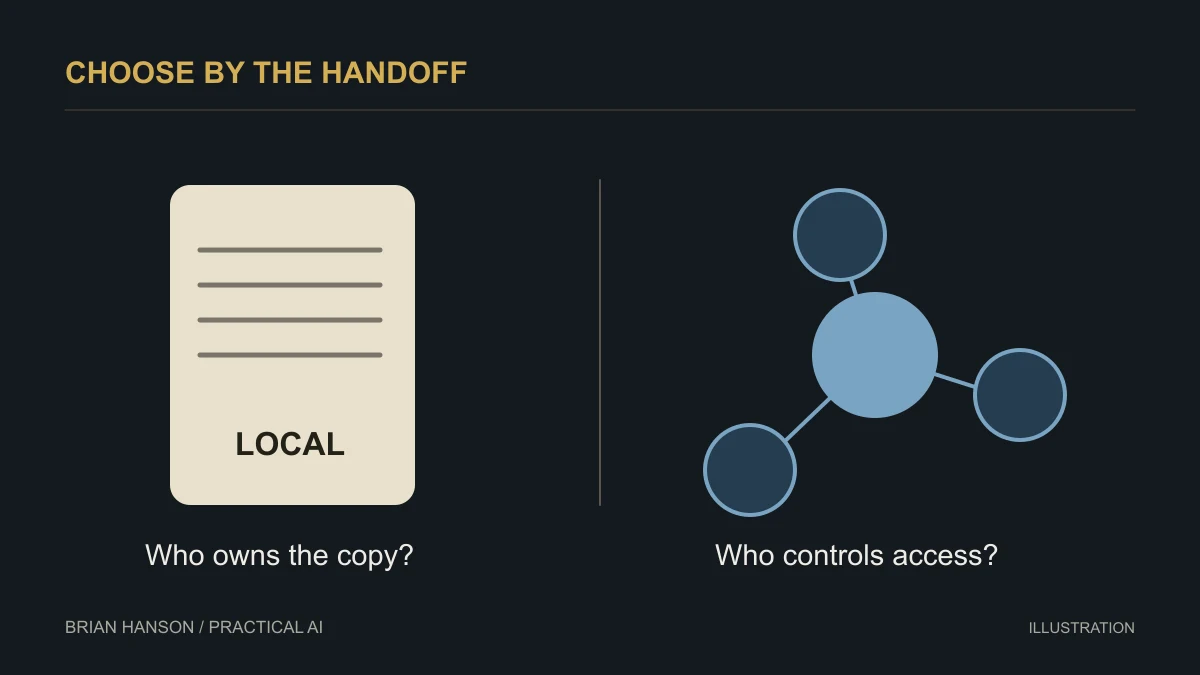
A tool that works perfectly on your machine can still fail the moment someone else needs the records. Start with the handoff, then choose where the app should live.
Choose a single-user task first
A local tool is a good candidate when one person owns a bounded workflow and can manage the data file. Think of a personal checklist, a demonstration calculator, or an offline reference tool. A shared customer database with simultaneous editors has different requirements. Do not choose a portable file merely because a spreadsheet currently feels inconvenient.
Understand the file and the runtime
Capsule’s product page describes a portable container that combines an HTML interface, schema, and local SQLite data. It provides desktop players; the web version is a preview with file-access limitations, and the site describes mobile support as coming soon. A generated HTML page by itself is not automatically a complete Capsule application or a hosted multi-user service.
Specify a small acceptance test
Before building, write down the fields, validation rules, and one task the app must complete. Use sample data and test create, edit, delete, close, reopen, export, and restore. If you cannot reopen the file and recover the last saved record, the prototype is not ready for real work.
Example brief: “Create a local equipment-checklist prototype using the chosen runtime. Use sample records only. Explain where data is saved, how I can export it, and how I can restore a backup. Do not add external services.” Have someone review the generated code and storage behavior before trusting it with business information.
Plan the ownership and sharing rules
Assign one owner to the working file. Keep dated backups in an approved location and test restoring one. Sending a file may send its included data; inspect the contents before sharing. Two people editing separate copies can create conflicting records. If the team needs concurrent access, permissions, reliable syncing, or an audit trail, evaluate an application designed for those requirements.
Local storage reduces some dependencies. It does not eliminate device loss, accidental deletion, malware, or the need to maintain the software.
Compare the operating responsibilities
| Question | Local file-based app | Shared service |
|---|---|---|
| Who has the current copy? | You need a clear file ownership and version rule | Confirm how the service handles concurrent edits |
| How is recovery handled? | Arrange and test backups of the actual data | Check retention, exports, and restore options |
| What happens when someone leaves? | Transfer files, documentation, and required software | Transfer ownership and remove access |
These are evaluation questions, not universal claims about every local app or cloud service. Test your chosen product.
Run a handoff rehearsal
Using fictional records, save a change, close the app, reopen it, export the records, and recover them on the intended device. Write down where the data is actually stored. If a colleague cannot find the authoritative copy, resolve that before putting the tool into daily use.
Continue with the AI for small business guide for a broader implementation plan.