Automate Your Storefront: How Pinterest AI Performance+ Finds Your Buyers
Pinterest is launching AI-driven Performance+ campaigns to help retail businesses automate ads. The platform uses your product catalog to handle targeting and creative testing, allowing small shops to compete with major brands by focusing on sales rather than manual management.
Key Takeaways
- Pinterest AI Performance+ automates showing products to likely buyers.
- Small businesses can use the same optimization tools as major retail brands.
- A clean product feed and the Pinterest Tag are required for the AI to function.
- Vertical images and clear titles serve as the primary fuel for the system.
- Automation lets owners focus on operations instead of manual ad adjustments.
Stop Guessing Which Products Will Sell
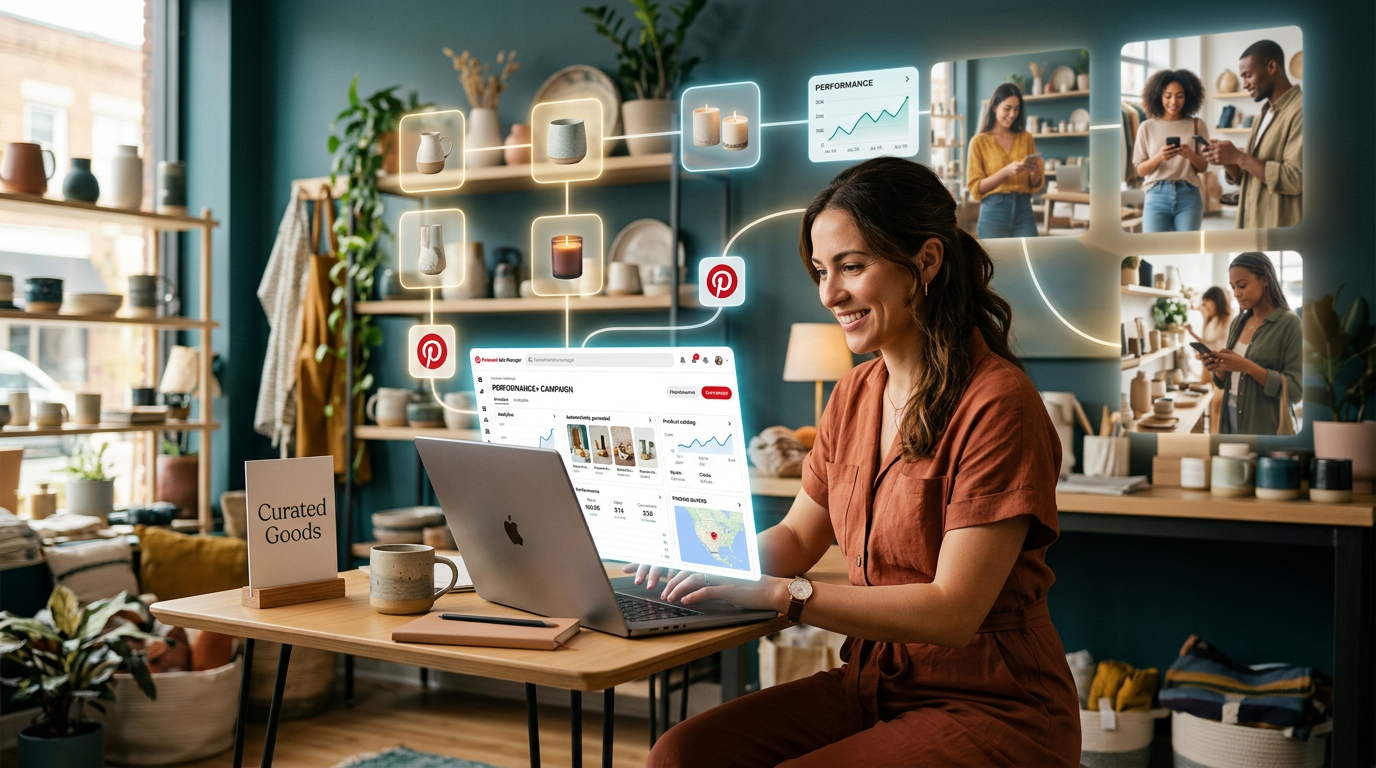
Pinterest just changed how small retail shops compete online. According to research from Forbes, the platform now offers shopping-promotion guidance through Pinterest AI Performance+ campaigns. This tool handles the heavy lifting of showing specific products to the right shoppers. You don't have to spend hours picking which photo might get a click.
Many business owners struggle because they try to act like graphic designers. They spend all night trying to guess which colors or angles will work. Pinterest is built to end that. The system takes your product catalog and uses machine learning (a computer spotting patterns in data) to figure out what actually leads to a sale.
How Performance+ Helps Small Shops
Big brands have the budget to test 50 versions of one ad. Most small businesses don't. You usually pick one photo and hope for the best. Pinterest AI Performance+ campaigns level the field by automating that testing. The system stacks your best images against the people most likely to buy them without you touching a single dial.
Think of it like a store manager who never sleeps. This manager looks at every person walking past your window and swaps the display in real-time. If someone likes mid-century furniture, they see your teak coffee table. If the next person prefers industrial styles, they see your metal shelving. It strips back the complexity of digital ads and focuses on one outcome: more items in carts.
Automation is how you scale a shop without burning out. You can't be the buyer, the shipper, and the ad executive all at once. You have to bolt on these automated systems so you can focus on the parts of your business that need a human. Pinterest makes it easy to wire up your product feed and let the software do the grunt work.
4 Steps to Wire Up Your Automated Storefront
You don't need a tech degree to get this running. You just need a clean list of products and a few hours to set the foundation. Here is how to approach it this week.
1. Clean Your Product Feed
The AI is only as good as the info you give it. Your product feed is just a digital list of everything you sell, including the price, description, and image link. Make sure your titles are clear. Instead of naming a product "The Midnight Special," call it "Navy Blue Cotton Throw Blanket." This helps the system find the right buyers.
2. Upload High-Quality Verticals
Pinterest is a visual search engine. The system needs vertical images (a 2:3 aspect ratio) to do its job. Don't overthink the production, but make sure the lighting is good. The AI will test these images in different spots. If you give it 5 options, it will find the one that makes people click.
3. Set a Realistic Budget
Don't try to win the whole internet on day 1. Start with a daily budget you can sustain for at least 14 days. The AI needs time to learn. It will make mistakes early on as it figures out who your customers are. If you turn it off after 3 days, you're killing the engine before it warms up.
4. Install the Pinterest Tag
This is a small piece of code for your website. It tells Pinterest when someone actually buys something. Without this, the AI is flying blind. It knows someone clicked, but it doesn't know if they spent $100. Once the tag is live, the system can optimize for revenue. Most builders like Shopify or Wix make this a 1-click setup.
What to Watch for Next
We're moving toward a world where manual targeting is over. You won't have to tell Pinterest to find "moms aged 35 to 45 who like gardening." You'll just give the AI your products and your budget, and it will find the buyers. This is a win for the business owner who is tired of chasing every new trend. Focus on your products, and let the software handle the math.
If you want to see how to set these systems up, I'm running a free 3-day training. We walk through the steps to get your business ready for these tools without the technical headache. The goal is to spend less time on your laptop and more time growing your bottom line.