Ask Your Developer These 4 Questions to Fix the Broccoli2Shell Flaw
The Broccoli2Shell flaw (CVE-2026-111497) is a critical bug in data decompression affecting Python and Node.js. To fix it, update to specific patched versions (like Node 26.12.1 or Python Brotli 1.2.1) and restart all running services.
Key Takeaways
- The flaw affects any AI script that fetches web data or accepts uploads.
- Updating the operating system is not enough; specific language libraries must be updated.
- Running processes and Docker containers must be restarted or rebuilt to clear the old decoder from memory.
- Node.js versions 20, 23, and 25 are end-of-life and will not receive a fix; move to 22, 24, or 26.
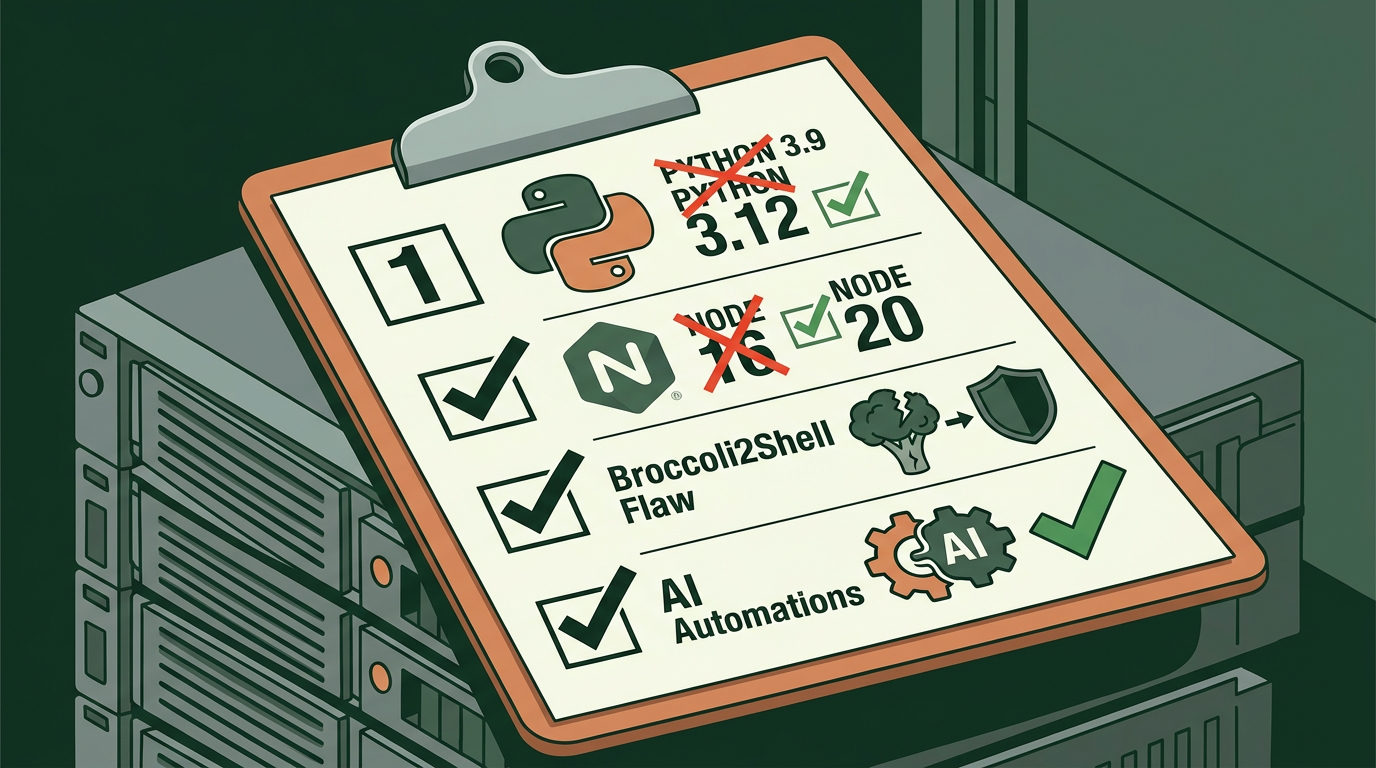
A critical security flaw called Broccoli2Shell (CVE-2026-111497) was recently found in how AI scripts handle data. This bug lives in the Brotli decoder, which is software that shrinks data to move it faster across the internet. If your custom Python or Node.js automation talks to other websites or accepts file uploads, a hacker could send a malicious file that crashes your system or takes control of your server.
The risk is rated 9.2 out of 10 for severity. You don't need to understand the code to protect your business, but you must ensure your technical team or freelancers applied specific fixes. Simply updating your server is often not enough.
Why Your AI Scripts Are at Risk
Most AI automations use tools like requests in Python or fetch in Node.js to grab data from the web. These tools automatically use the Brotli decoder to read the information they receive. Because the flaw is inside the decoder itself, your script is exposed the moment it tries to read data from a malicious source.
This affects common business tasks like:
- AI agents that crawl websites for research.
- Automations that process webhooks (data sent automatically) from third-party apps.
- Customer service bots that accept user uploads or "import from URL" requests.
The "What to Ask Your Developer" Checklist
Send these four questions to your developer or agency today to ensure your systems are safe:
- Are we running Node.js version 22.23.4, 24.22.1, or 26.12.1 (or higher)? Versions 20, 23, and 25 are no longer being patched. If you're on those older versions, you must move to a supported one immediately.
- Have we updated the Python 'Brotli' or 'brotlicffi' packages to version 1.2.1? Even if your code doesn't mention these by name, your AI libraries probably use them in the background.
- Did we rebuild our containers and restart the processes? This is a common mistake. A running script keeps the old, broken decoder in its memory until the service is fully restarted. If you use Docker, the image must be rebuilt on a patched base and redeployed.
- Are we using .NET, DuckDB, or Apache Arrow? As of October 26, 2026, these tools had not yet merged fixes for their bundled versions of the decoder. If your automation relies on them, you may need to restrict where they get their data until they release updates.
How to Verify the Fix
You can verify the work by asking for a screenshot of your package manifest (like a requirements.txt or package.json file) showing the new version numbers. If you use a managed hosting service, check their security dashboard for any flags regarding CVE-2026-111497.
If you want to learn how to wire up these automations safely from the start, join our next free 3-day training.