3 Steps to Trace AI Numbers Back to Primary Sources
To verify AI statistics, click through the citations until you find the primary research firm and the original study year. If the trail ends at a blog post with no data source, delete the statistic.
Key Takeaways
- Fewer than 50% of AI-cited statistics lead back to a verified primary study.
- A zombie stat is a number repeated by AI and blogs that has no actual research behind it.
- Always trace citations at least 3 clicks deep to find the original PDF or press release.
- Check if the AI has changed the context, such as applying a 2012 statistic to a 2024 problem.
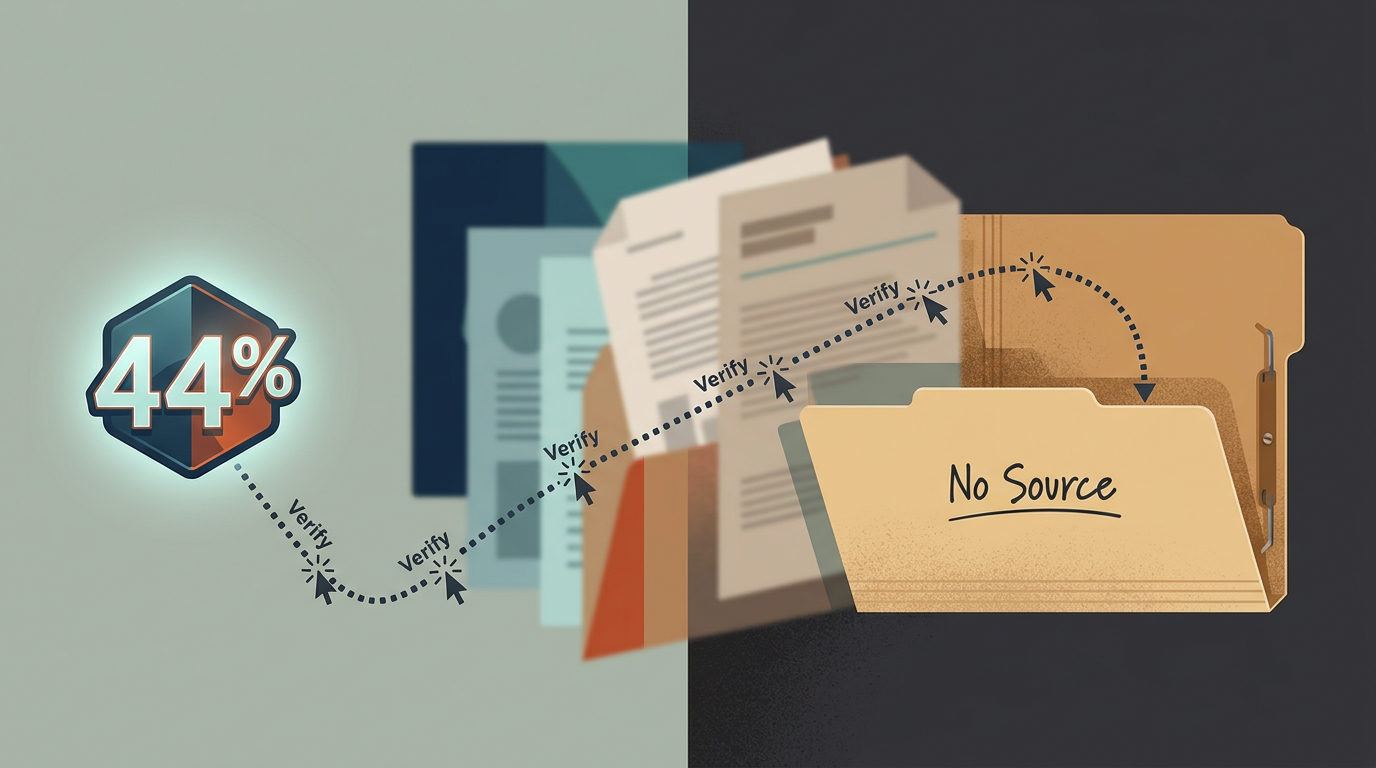
AI assistants love to cite numbers. Whether you use ChatGPT, Claude, or Gemini to draft a blog post or a quarterly report, the software often provides a specific percentage to back up its claims. A study of 1,285 AI-generated statistics found that fewer than half actually lead back to a study that says the same thing (Trakkr Research).
Many of these numbers are zombie stats. These are figures that get repeated across the internet for years, cited by one blog after another, until they lose all connection to a real source. When you put these numbers in your business content, you risk your brand authority on data that might be 10 years old or completely made up.
The 3-Click Audit Workflow
You cannot trust the confident tone of an AI assistant. Even if all the major AI models agree on a number, they might all be pulling from the same incorrect source. Use this process to wire up a verification check for any critical data point.
Step 1: Click the citation immediately
If your AI tool provides a footnote or link, click it. Do not just look at the page it opens: look for the specific number on that page. If the page is just a list of 10 Stats About Sales without its own links to a study, you are likely looking at a zombie.
Step 2: Trace the source of the source
Most blog posts cite other blog posts. If the first link you click credits another website, click that one too. Research shows that 11% of AI statistics lead nowhere at all, with every page simply repeating the number without crediting a researcher (Trakkr Research). If you hit a dead end after two or three clicks, strip the stat from your report.
Step 3: Verify the context
Sometimes the number is real, but the meaning has changed. About 8% of statistics reach a study where the context is different than what the AI claimed (Trakkr Research). A stat about salespeople in 2012 might be presented by AI as a fact for 2024. Check the date and the specific group of people who were actually surveyed.
How to Spot a Fake Number
If the AI does not provide a link, or if the link is broken, use this prompt to force the assistant to audit itself:
"I need the primary source for the statistic [Insert Stat Here]. Provide the name of the original research firm, the year the study was conducted, and a direct link to the PDF or official press release. If you cannot find the primary source, tell me that the data is unsourced."
If the AI starts talking about general industry trends or common knowledge instead of naming a firm like Gartner or Pew Research, the stat is probably a ghost. It is better to use a slightly less specific claim that you know is true than a precise-looking percentage that is false.
Check your next 3 social posts or reports against this criteria. If you want to see how we stack AI tools to build reliable business systems, join our next free training.