When Security Wipes Your Business: Protecting Data During Border Searches
A traveler was charged after his GrapheneOS phone wiped itself during an airport search. For business owners, this highlights the danger of 'auto-wipe' features that protect privacy but can destroy essential records and trigger legal liability. You need a balance of encryption and reliable backups to stay compliant.
Key Takeaways
- High-end privacy features can be interpreted as obstruction of justice by law enforcement.
- Auto-wipe settings are dangerous without a daily, encrypted cloud backup.
- Traveling with a 'clean' device is safer than carrying all your business data.
- Small business owners are responsible for protecting client PII while maintaining legal records.
- Using a password manager ensures you don't lose access to business accounts if a device is wiped.
The Phone in Your Pocket Is a Liability
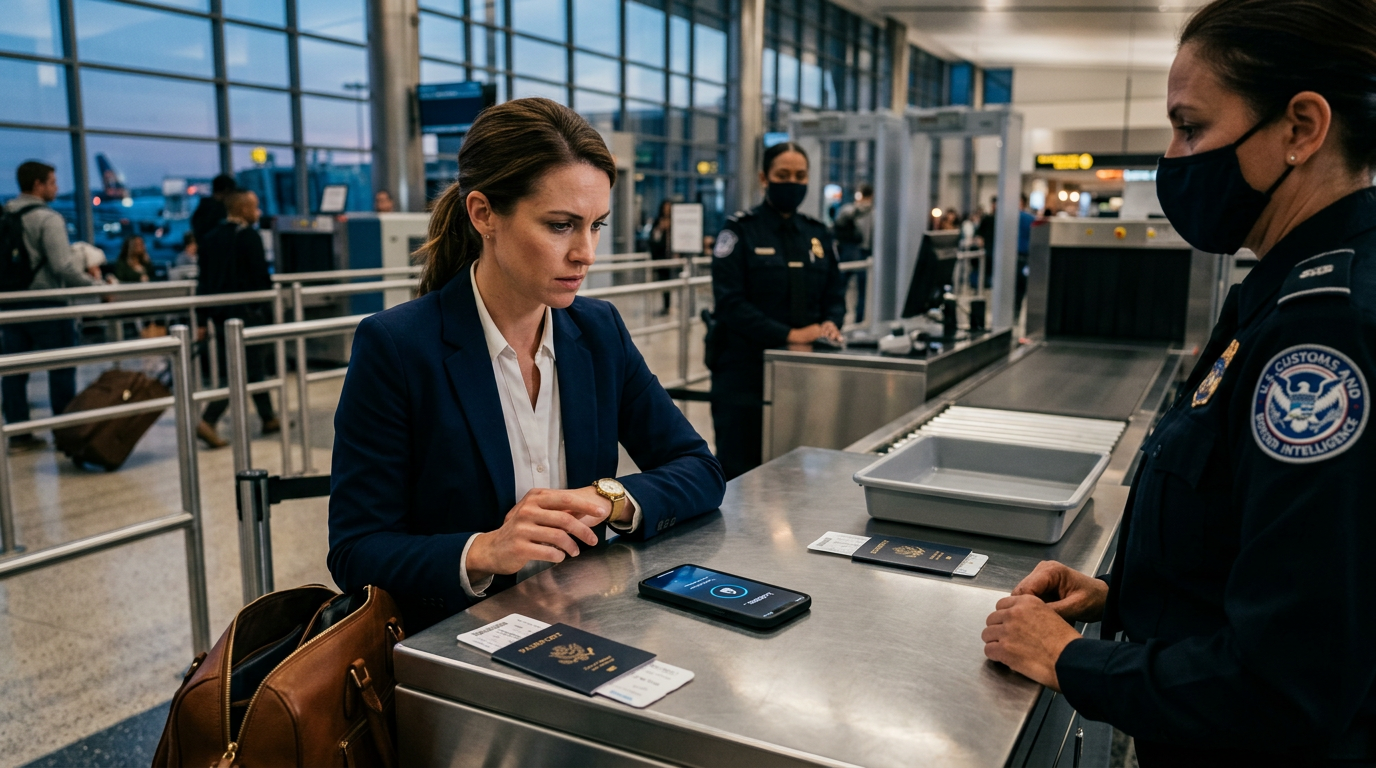
If you carry client records, financial data, or private contracts on your phone, you probably think a strong password is your best friend. It usually is. But a recent case in Atlanta shows how high-end security can actually land a business owner in a legal trap. A US citizen was charged with obstruction because his phone, which ran a privacy-focused system called GrapheneOS, wiped itself clean during an airport search. You can find the details of the charges at TechSpot (https://www.techspot.com/news/113236-us-prosecutors-charge-atlanta-man-after-grapheneos-phone.html).
For a small business owner, this story about a traveler and the police represents a warning about how we protect Personally Identifiable Information (PII). PII is any data that can identify a specific person: Social Security numbers, home addresses, or private medical details. If your phone has a 'self-destruct' feature that triggers after too many wrong password attempts, you might think you're being safe. In reality, you might be destroying evidence or violating record-keeping laws without even touching the screen.
The Trade-off Between Privacy and Compliance
Think about what happens if your business phone suddenly goes blank. If you're a contractor, you lose your schedules and invoices. If you're a consultant, you lose your client notes. Most people stack security layers to keep hackers out, but they don't consider the legal friction at a border crossing or a routine stop. Prosecutors in the Atlanta case argue that the phone wiping itself was an intentional act to hide information. When you pick your business data privacy tools, you have to balance the need for secrecy with the requirement to keep records for taxes and legal compliance.
GrapheneOS is a version of Android that strips back Google services to keep things private. It has a feature that can wipe the phone if it's not accessed within a certain timeframe or if a 'duress' PIN is entered. While this sounds like a great way to protect trade secrets, it creates a massive recovery problem. If that phone wipes, that data is gone. Unless you have a cloud backup that is regularly updated, you just deleted your business. You also opened yourself up to a conversation with a federal prosecutor who thinks you're hiding a crime.
The Vulnerable Middle
I see business owners fall into two camps. They either have no security at all, or they bolt on high-level encryption that they don't fully understand. The middle ground is where you want to live. You need enough security to stop a thief who steals your phone at a coffee shop, but not so much that a technical glitch or a border agent's curiosity results in a total loss of your company's digital brain. If you can't explain how your phone's 'auto-wipe' works, you shouldn't have it turned on.
Practical Steps to Secure Your Business Data This Week
You don't need to be a tech expert to fix this. You just need to follow a few simple rules for your business devices. Here is what I would do if I were you.
1. Separate Your Devices
If you're traveling across a border, don't carry your entire business history on one device. Use a 'travel phone' or a 'travel laptop' that only contains what you need for that specific trip. Strip back the apps and data to the bare minimum. This reduces the risk if the device is seized or wiped. It also keeps your client PII safe back at the office.
2. Wire Up a Real Backup System
An auto-wipe feature is only safe if it doesn't matter if the phone dies. You should have an encrypted cloud backup that runs every night. If your phone wipes at the airport, you should be able to buy a new one, log in, and have your data back in an hour. If a wipe means your data is gone forever, your backup system is broken.
3. Check Your 'Auto-Wipe' Settings
Open your phone settings and look for 'Find My Device' or security settings. Many phones have a toggle that wipes the data after 10 failed password attempts. I usually recommend keeping this on for theft protection, but you must know it's there. If you're in a high-stress situation and someone else is handling your phone, this feature can trigger by accident.
4. Use a Password Manager
Don't store passwords in your browser or a notes app on your phone. Use a dedicated password manager. This way, if your phone is wiped or taken, you haven't lost the 'keys' to your other business accounts like your bank or your CRM (your customer relationship management software). You can just log in from a different computer and keep working.
What to Watch Next
The legal system is still catching up to how these privacy phones work. The outcome of the Atlanta case will likely set a precedent for whether 'automated' security counts as 'intentional' destruction of evidence. Watch for updates on how courts treat encrypted devices. If you want to see how to set up these backups and protect your business without the headache, my 3-day training walks through the exact steps to wire this up. You can learn to manage your digital assets so a single mistake at an airport doesn't sink your company.
FAQ
What is GrapheneOS?
It is a version of the Android operating system focused on privacy and security. It removes many standard Google tracking features and includes advanced tools to protect data, such as automatic wiping under certain conditions.
Is it illegal to have a phone that wipes itself?
Having the feature isn't illegal, but if the phone wipes while it is being searched by law enforcement, prosecutors may argue you intentionally destroyed evidence, which can lead to obstruction of justice charges.
How can I protect my client data when I travel?
The best way is to use a secondary travel device with minimal data and ensure all your primary files are backed up to a secure cloud service that you can access from any computer.