Turn Flat Photos Into 3D Product Tours With World Labs Atlas
World Labs launched Atlas, a world model that understands 3D space. It turns one product photo into a professional video walkaround with precise camera control, cutting out expensive studio fees.
Key Takeaways
- Atlas uses 3D world modeling to keep products looking realistic during camera movement.
- Business owners control the virtual camera with pixel-level accuracy for professional pans.
- 3D visualization reduces customer uncertainty and can lower return rates.
- No expensive studio equipment or videography teams are required for 360-degree tours.
- Apply this to your top 10 products first to see the biggest impact on sales.
Stop Settling for Flat Images
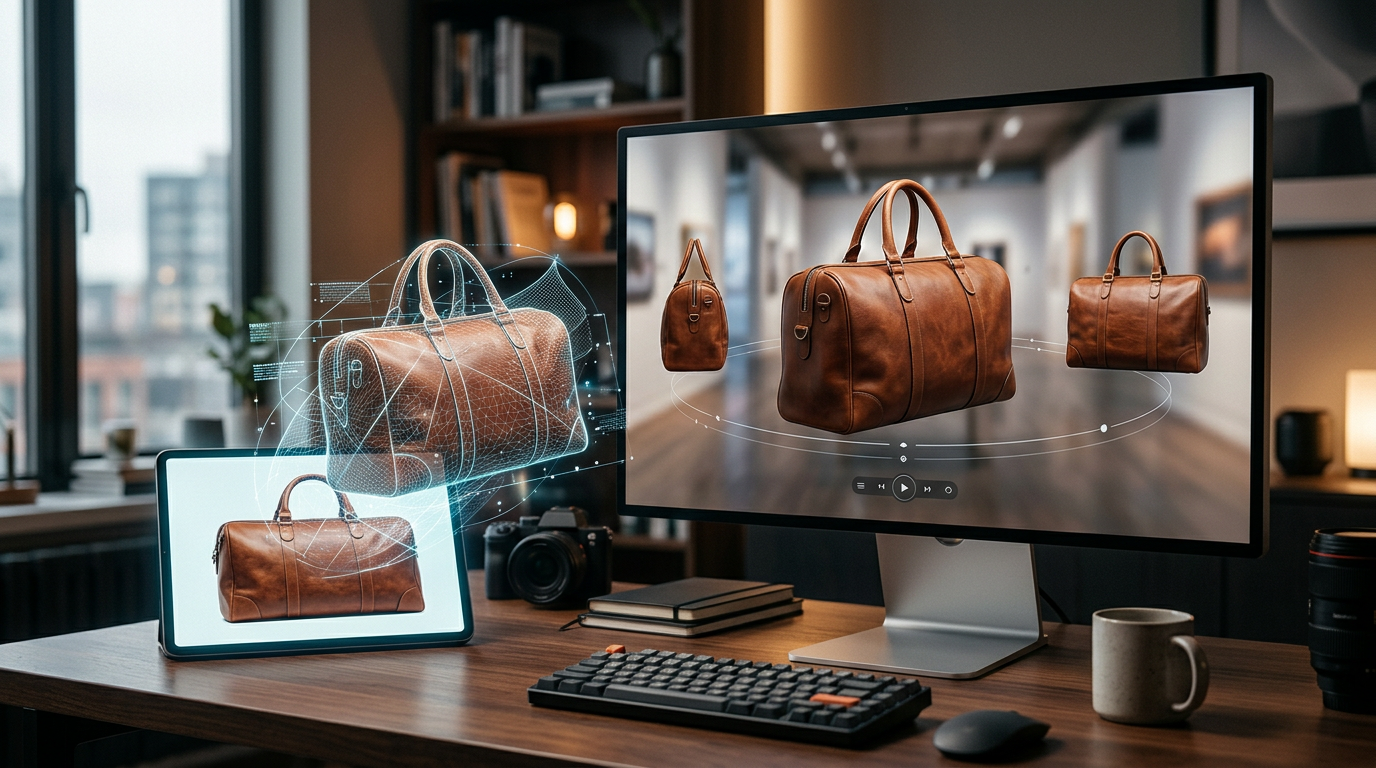
Most small business owners get stuck taking average photos that fail to sell. You take a picture, upload it, and hope the customer can guess what the side or back looks like. Professional video walkarounds usually require hiring a studio, renting lights, and spending thousands on a crew. World Labs changed that by launching Atlas, a multimodal world model that builds 3D scenes from simple images.
Atlas is built to understand space, depth, and how light hits a physical object. The creators call this a world model because it does not just guess the next pixel. It understands the 3D structure of the item. You can take one photo and generate a video that moves around it with pixel-accurate camera control. You tell the AI exactly where to move the camera, just like you are holding a real lens in a high-end studio.
The Problem With Standard AI 3D Product Visualization
Standard AI 3D product visualization is often messy. If you try to make a video from a photo, edges get blurry or the product warps as the camera moves. This happens because basic AI predicts the next frame without knowing a coffee mug is round. Atlas creates a consistent 3D representation first. Reports on the launch show this keeps the physical shape of the object perfect during high-quality video generation.
This is a win for anyone selling physical goods. You can create a 360-degree view of a handbag or furniture without moving your feet. You provide the image, and the AI builds the rest of the world. It saves hours of editing and cuts out the need for expensive rotating stands or drone shots.
How to Wire Up Your Virtual Studio
Think of Atlas as a director you hired for your brand. You do not need to code or build 3D models. You just need to give clear instructions. The goal is to move from a static site to one where every product has a high-definition video tour. This builds trust because customers see exactly what they are buying from every angle.
Professional videography can cost $500 per product. When you stack that across 50 items, the math fails for most small shops. By using a world model like Atlas, you strip back the overhead and get the same visual quality for less. You are creating a digital twin of your inventory that can be viewed from any direction.
Your Action Plan for This Week
Do not wait for competitors to start using this. You can prepare your assets now so you are ready to bolt this tech onto your storefront. Here is the first step.
First, audit your top 10 best-selling products. Look for items with high return rates or frequent customer questions about details. These are your prime candidates. If a customer can see the underside of a product or the fabric texture through a smooth camera pan, they are more likely to buy.
Second, take fresh, high-resolution photos against a clean background. Even though Atlas understands space, a clear starting point makes the final video sharper. Think of this as sanding down the rough edges before you apply paint. Better input leads to more professional camera movement.
Third, decide on your camera paths. You can choose a slow zoom, a 180-degree arc, or a top-down flyover. I recommend a simple orbital shot where the camera circles the item at eye level. It feels expensive and professional without being distracting.
What to Watch Next
We are moving toward a setup where the buy button follows a full virtual interaction. World Labs is the start. As these models get faster, you will probably be able to generate these videos in real-time. For now, focus on replacing main product images with these AI tours. It is the easiest way to make a small business look like a global brand. If you want to see how I wire these tools together live, my 3-day training is the best place to start.
FAQ
What is a world model?
A world model is AI that understands physical properties like depth and lighting in a 3D space, rather than just making flat images.
Do I need special equipment to use Atlas?
No, you just need a standard high-resolution photo. The AI handles the 3D scene and the camera movement.
How does this help my sales?
It provides a detailed view of products, which builds buyer confidence and helps small businesses match the visual quality of large brands.