Stop Paying for Stock Subscriptions: Clean Your Product Photos for Free
New open source models like FeyNoBg allow business owners to remove photo backgrounds with professional precision for free. Stop paying for monthly subscriptions and start using AI to clean your product catalog in seconds.
Key Takeaways
- Open source models like FeyNoBg provide professional-grade background removal at no cost.
- Image matting technology handles complex edges like hair and glass better than old tools.
- Clean product photos directly correlate to higher customer trust and conversion rates.
- You can replace expensive SaaS subscriptions by using tools built on these free models.
- Start by fixing your top 10 most-visited products to see an immediate impact on sales.
The High Cost of Clean Photos
Most small business owners get stuck in a nasty loop when selling products online. You take a photo of your inventory, but the background looks cluttered. To fix it, you pay $20 a month for a stock photo tool, spend hours in a complex editor, or hire a freelancer. It's a slow, expensive way to run a shop.
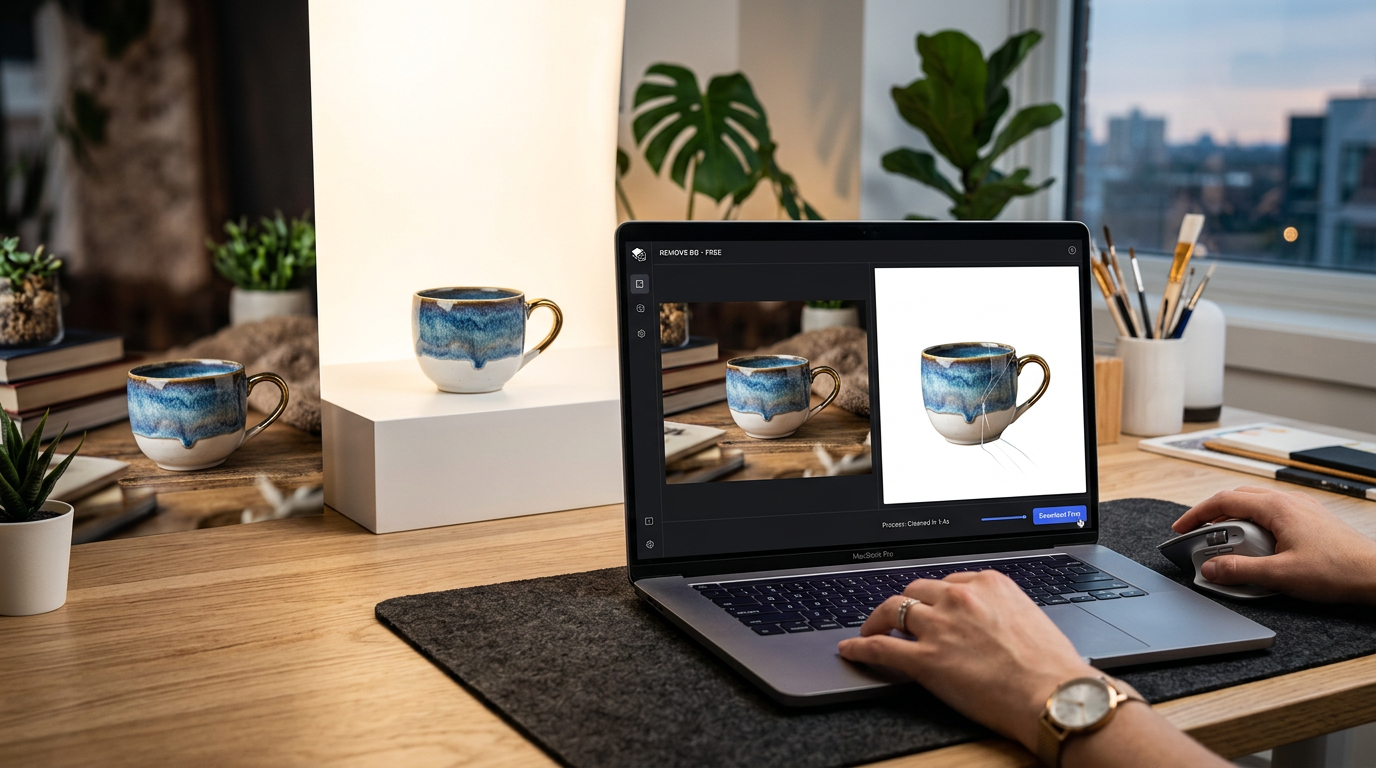
There's a better way to handle these images without writing a check every month. A tool called FeyNoBg recently launched. It's an open source model (software where the code is free for anyone to use). It focuses on automatic background removal for ecommerce, and it's precise enough to handle tricky details like hair or transparent objects.
Why This Matters for Your Bottom Line
If you have 500 products in your catalog, paying $0.50 per image for manual editing adds up to $250 fast. That's money pulled directly from your marketing budget. When you use a tool built on this tech, the cost drops to zero. You get professional, white-background images that look like they came from a studio, but you do it at your kitchen table.
I see business owners get stuck on the technical side of AI. You don't need to be a programmer to use this. The tech has moved past the point where you need a subscription just to cut an object out of a photo. Strip back the overhead and wire up a process that works while you sleep.
How Automatic Background Removal for Ecommerce Works
Most older tools use a simple color picker to find the background. If your product is white and your wall is light gray, the old tools get confused and eat into the product itself. The FeyNoBg model uses a process called image matting. Instead of guessing where the edge is, it analyzes pixels to understand what's foreground and what's background. It even handles fine details like furry textures or clear glass.
Customers associate clean imagery with trust. If your product photo has a messy shadow, your conversion rate (the percentage of people who actually buy) drops. By cleaning these up, you make your site look like a high-end brand for $0.
3 Steps to Clean Your Catalog This Week
You don't need to wait for a developer to build this into your site. You can use these models today to fix your current images. Here's how to stack this win.
Step 1: Audit your top 10 sellers. Look at your website analytics. Find the 10 products that get the most traffic but have the lowest sales. Usually, the photos are the culprit. Save those original files into one folder on your computer.
Step 2: Use an interface for the model. While the raw code is for developers, many free websites host these open source models for public use. Look for tools that mention FeyNoBg or high-accuracy matting. Upload your 10 photos and let the AI strip the background away. It keeps the crisp edges that older tools mess up.
Step 3: Replace and test. Upload the new, clean images to your store. Watch your sales numbers over the next 14 days. You'll likely see a lift in how many people add those items to their cart because the product is now the hero of the page.
What to Watch Next
The next shift is batch processing. Soon, you'll point a tool at a folder of 1,000 photos and have them all cleaned and resized in about 60 seconds. We're moving away from clicking one photo at a time. Keep an eye on how these free models get faster every month. If you're still paying a monthly subscription to remove backgrounds, cancel that bill.
FAQ
What is an open source model?
It's a piece of software where the original code is available for free. This means developers build tools for you to use without charging high licensing fees.
Do I need to know how to code to use this?
No. While the model itself is code, you can use websites and applications that have already bolted on this technology into a simple upload button.
Why is this better than the background remover in Canva or Photoshop?
Many paid tools use older technology. Newer models like FeyNoBg are specifically trained for ecommerce to handle difficult edges and transparency with higher accuracy.