Stop Jumping Tabs: Manage Your Google Business Profile Directly Inside Gemini
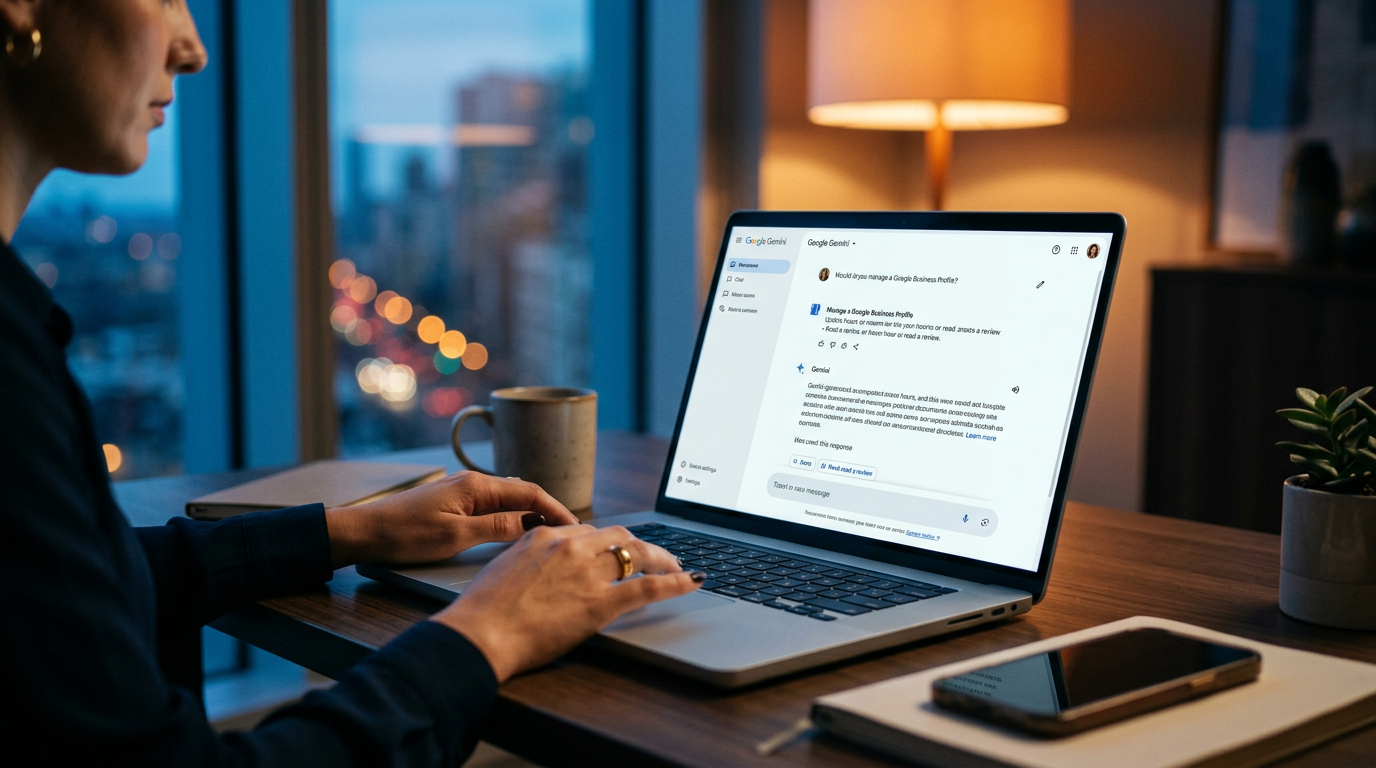
You can now manage your Google Business Profile inside the Gemini AI chat. This allows you to update hours and respond to reviews using plain English instead of using the old dashboard. It saves time and helps your business rank higher by making frequent updates easier.
Key Takeaways
- Gemini now supports direct Google Business Profile management per the AI Industry Report.
- Conversational AI removes the friction of navigating complex business dashboards.
- Updating hours via chat keeps your local SEO signals fresh with minimal effort.
- AI-drafted review responses maintain your reputation without the drain of writing from scratch.
- Regular activity on your profile is a key signal for ranking in the Google map pack.
The End of the Dashboard Shuffle
Most small business owners treat their Google Business Profile like a dentist appointment. You know it matters for your local search rankings, but you only log in when you absolutely have to. The interface feels clunky, finding the button to change your holiday hours takes too many clicks, and responding to reviews usually falls to the bottom of the Friday to-do list. That friction is why most local profiles look like ghost towns.
Google just removed that friction by wiring your business management tools directly into Gemini, their conversational AI assistant. According to the AI Industry Report, you can now manage your Google Business Profile details from inside the Gemini chat window. You don't have to hunt through the old dashboard. You just tell the AI what you want to change, and it handles the work.
Think about this as a permanent administrative assistant that lives in your browser. Instead of navigating a maze of menus, you use plain English to update your shop. If you can send a text message, you can now handle your local SEO (Search Engine Optimization, or how you show up when people search for 'near me'). This is a win for anyone tired of toggling between 14 different browser tabs to run their company.
How to Bolt Gemini Onto Your Local Marketing
First, make sure your Google account is synced up. Gemini needs permission to talk to your Business Profile. Once that connection is live, you can start treating the chat box like a command center. I recommend starting with your business hours, especially if you have a holiday or special event coming up. You can simply type, 'Update my business hours for this Friday to close at 4 PM,' and the AI will stage that change for you.
Google loves fresh data. When you update your profile regularly, the algorithm sees that your business is active and reliable. Most owners fail at this because the manual process is annoying. By stripping back the complexity, you can keep your profile 'warm' with about 30 seconds of work per week. It is much harder for a competitor to leapfrog you in the local rankings if your profile is constantly updated.
Mop Up Your Reviews Without the Stress
Responding to reviews is high-impact work for your local reputation, yet it is the one task everyone procrastinates on. It is draining to stare at a blank box and try to sound professional for the 100th time. Now, you can ask Gemini to see your latest reviews and draft responses for you. This doesn't mean you should let the AI post without looking, but it gives you a 90% finished draft to work with.
You can tell Gemini, 'Show me my 3 most recent reviews and draft a polite thank-you response for the positive ones.' It will pull the data, write the text, and ask for your approval. You are taking the 'blank page' problem and throwing it out the window. This keeps your response rate high, which is a signal Google uses to decide who gets the top spot in the map pack (the 3 businesses that show up at the top of a local search).
From the Trenches: Practical AI Management
The biggest hurdle for business owners isn't the technology, but the habit of doing things the hard way. We are used to 'logging in' to a specific place to do a specific task. This integration changes that. You should keep a Gemini tab open all day. When a customer calls and mentions a new service, or when you decide to close early for a staff lunch, tell Gemini immediately. Don't wait until you have time to sit down at the computer because that time never comes. Handle it in the moment while it's on your mind.
3 Steps to Clean Up Your Profile This Week
Take 3 specific actions right now to get this running. You don't need a developer or a marketing agency. It is a 3-step stack you can finish before your coffee gets cold.
- Connect your extensions: Go to your Gemini settings and ensure the Google Workspace and Google Maps extensions are toggled on. This allows the AI to see your business data.
- Audit your hours: Ask Gemini, 'What are my current listed hours on my Google Business Profile?' If they are wrong, tell it to fix them right then.
- Draft 5 responses: Ask the AI to pull your last 5 unanswered reviews. Have it draft responses that match your brand voice (friendly, professional, or direct) and hit the post button on each one.
Stop treating your local search presence like a separate project. It should be part of your daily workflow. Every time you interact with the AI, you are training yourself to work faster. If you can save 20 minutes a week on administrative clicking, that is time you can spend talking to customers or growing your business. Stick to the chat interface and stop hunting for buttons in the dashboard. It is a better way to work.
Watch for more updates on how Gemini starts pulling in your Google Ads data next. Google is moving everything into one conversation, so the sooner you get comfortable with this workflow, the further ahead of your local competition you will be. If you want to see exactly how to wire these tools up live, my 3-day training covers the exact clicks to make.
FAQ
Do I need to pay for a special version of Gemini to use this?
No, this integration is rolling out to standard Gemini users. You just need to be logged into the same Google account that owns your Business Profile.
Can Gemini post photos to my business profile too?
Currently, the focus is on information management like hours, business descriptions, and review responses. For bulk photo uploads, the traditional dashboard is still the primary tool.
Is it safe to let AI respond to my customers?
You should always review the draft Gemini creates before it goes live. Use the AI to do the heavy lifting of writing, then give it a quick human check to ensure it sounds like you.