Stop Fumbling With Passwords: Use Google's New Selfie Sign-in to Lock Down Your Business
Google launched a selfie video sign-in feature that lets you access your account using your face. It is more secure than a password, faster to use, and keeps your biometric data private on your own device.
Key Takeaways
- Selfie sign-in uses a short video to verify your identity, preventing hackers from using photos to trick the system.
- Biometric data is processed locally on your device, not on Google's servers, which protects your privacy.
- Using your face is significantly faster than typing complex passwords or waiting for text message codes.
- Setting up passkeys with selfie verification provides high-level security for solo founders without an IT department.
- Always maintain a physical backup method, like printed codes, in case your phone is lost or damaged.
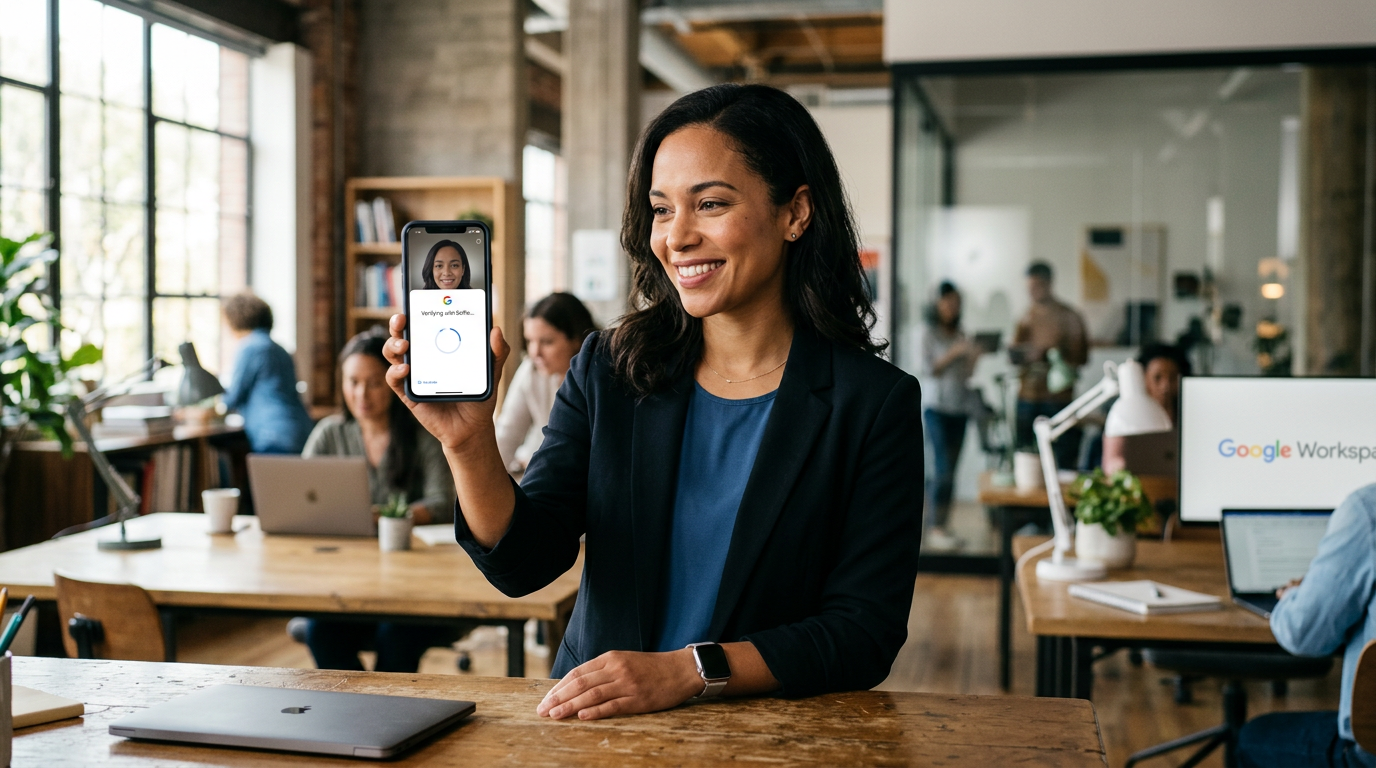
The End of the Password Headache
You probably have a sticky note somewhere with a password on it. Or maybe you use the same one for 3 different accounts because you can't be bothered to remember strings of gibberish. This is a massive risk. Google just launched a way to fix this by using your face instead of a keyboard. They call it selfie for sign-in, and it's the fastest way to secure your business accounts without adding more chores to your plate.
Business owners lose days of productivity when they get locked out of an account or someone guesses their password. This tool uses a short video of your face to prove you're you. It's not just a photo. The system looks for movement and depth to make sure it's a real person and not a printed picture. It's a simple way to bolt on high-level security to your Google account without needing a degree in computer science.
How the Tech Actually Works
When you use this feature, you're using biometrics. That's just a fancy word for using your body, like a fingerprint or a face scan, to open something. According to Google, this new selfie video sign-in process happens entirely on your device. Your actual video data doesn't get sent to their servers. The phone processes the image locally and just tells Google the owner is present.
This matters for solo founders. You don't have an IT department to reset your credentials. If you lose access to your primary email, you lose your calendar, your documents, and your client contacts. By wiring up your face as the key, you make it nearly impossible for a hacker in another country to get into your files. They can guess a password, but they can't show up to your office and scan their face on your phone.
I recommend every business owner set this up on their primary admin account first. Don't wait until you get a notification about a suspicious login from a city you've never visited. If you can take a selfie, you can secure your business. It takes about 30 seconds to click through the setup, and it'll save you hours of stress later.
How to Set This Up This Week
You don't need to buy any new equipment. If you have a smartphone with a camera, you have everything you need. Here is how you stack this security on your account right now.
First, open your Google Account settings on your phone. Look for the security tab. Google is rolling this out as an option alongside passkeys. A passkey is just a digital version of a physical key that lives on your phone. Instead of typing a code, you'll use your face to verify the passkey. It feels exactly like opening your phone to check a text message.
Second, follow the prompts to record your selfie video. You'll likely need to move your head in a circle so the camera can see different angles. This ensures a 3D map of your face is created. Again, this data stays on your device. Once it's done, you can strip back the old, weak passwords you've been using for years.
Third, make sure you have a backup method. I suggest having a physical security key or a set of printed backup codes in a safe. Technology is great, but if you drop your phone in a lake, you still need a way to get into your business. Google allows you to have multiple ways to sign in, so don't rely solely on one device.
Why This Matters for Your Bottom Line
Security usually feels like a friction point. This is different because it actually speeds things up. Think about how many times a day you stop what you're doing to find a password or wait for a text message code to arrive. Those 30-second gaps add up over a week. When you use your face, that friction disappears. You look at the screen and you're in.
It also protects your reputation. If your business email gets hacked and starts sending spam to your clients, that's a hard mess to clean up. It costs money to regain that trust. Spending 1 minute today to set up a selfie sign-in is the cheapest insurance policy you'll find for your digital assets. It's a concrete step that moves you from being a target to being a fortress.
What to Watch Next
Expect more services to follow Google's lead here. We're moving toward a world where the keyboard is the least important part of your computer. Your bank, your accounting software, and your CRM (the tool you use to manage client relationships) will likely all use this tech soon. Start with Google because it's probably the hub of your business. Once you get used to the speed of signing in with a glance, you'll never want to type a password again.
If you want to see exactly how to wire these tools together so your business runs on autopilot while staying secure, come to my next training. We walk through the exact steps to set up these systems live. It's designed for people who want the results without the technical headache.