Put Your AI Agents in a Box Before They Break Your Business
AI agents can be dangerous with full computer access. Using disposable sandboxes like Docker Sandboxes creates an isolated room for agents to work, protecting your files from accidental deletion or leaks.
Key Takeaways
- AI agents need restricted environments to prevent data loss.
- Docker Sandboxes provide a disposable space for agents to run safely.
- Never give an unverified AI tool 'Full Disk Access' to your machine.
- Containers act like digital playpens that keep AI messes contained.
- Treating AI agents like new interns with limited access is the safest approach.
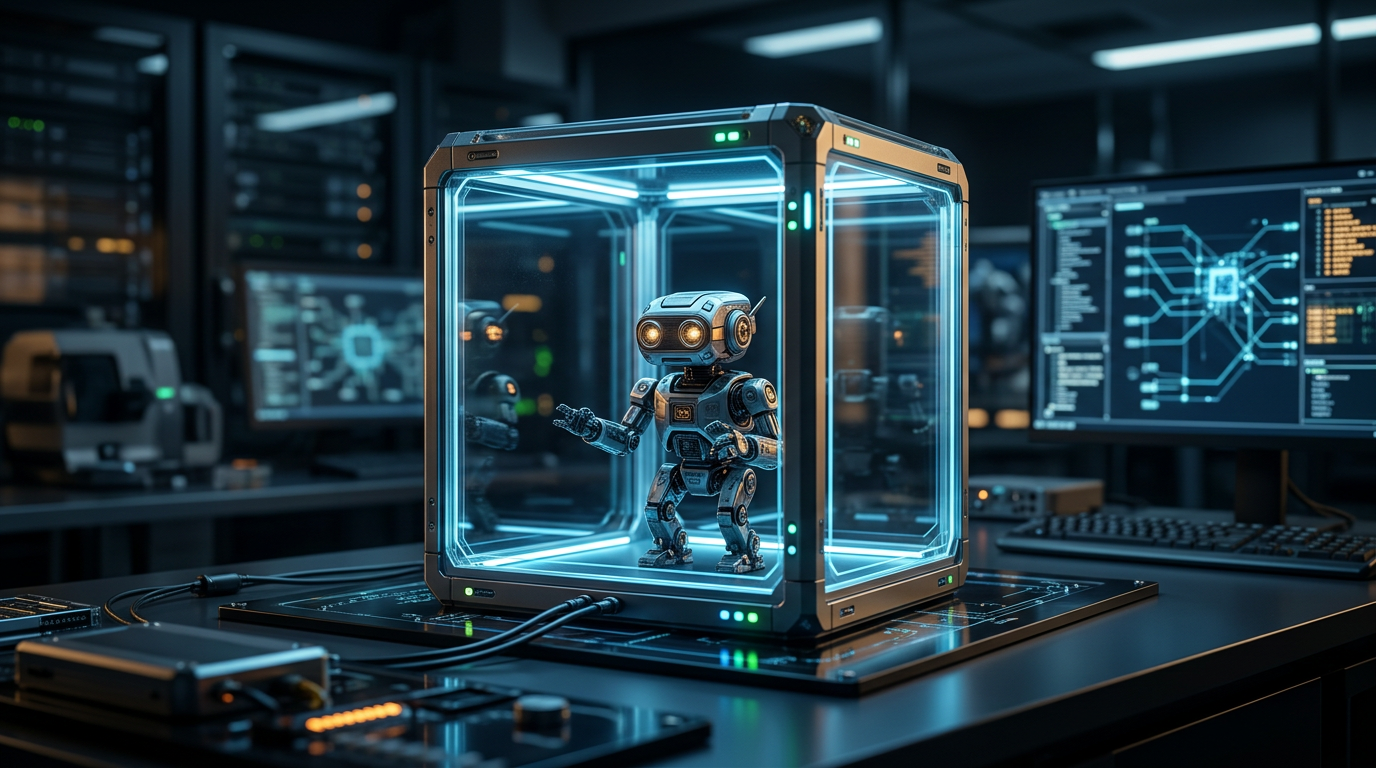
Stop Letting AI Agents Run Wild on Your Computer
Most small business owners are starting to use AI agents. These software tools don't just chat: they browse the web, create files, and talk to your databases. It feels like magic until an agent makes a mistake and wipes a folder or leaks client data because it had total access to your machine.
Giving these tools full permission to your hard drive is like letting a stranger walk through your office while you're at lunch. You wouldn't do it in person, so don't do it with software. The fix is a sandbox. Think of it as a disposable, isolated digital room where the AI works without touching your actual files.
Docker recently released Docker Sandboxes to solve this. These provide a secure place for agents to run. If the agent makes a mess, you just delete the sandbox and start over. Your business data stays safe behind a wall.
Why Secure AI Agent Deployment Matters
Your data is your most valuable asset. When you run an AI agent directly on your laptop, it can see everything you see. If the agent gets confused or hits a bad piece of code while browsing, it could wipe your drive or upload your tax returns to a public server.
Using a sandbox means you're practicing secure AI agent deployment. You're giving the agent a workspace that looks like a computer but is actually a contained environment. It's like giving a toddler finger paints but keeping them inside a plastic playpen. They can make a mess, but your carpet stays clean.
Set Up Your Digital Safety Goggles
You don't need to be a developer to get this. You just need to change your workflow. Instead of running a tool directly, you bolt it into a container. A container is a lightweight package that includes only what the software needs to run. It can't peek at your photos or QuickBooks files unless you hand them over.
The Docker Sandboxes setup is disposable. This is the win. When the agent finishes, you wipe the environment clean. This stops security risks from building up. It also ensures one bad line of AI code can't jump to your operating system.
3 Steps to Protect Your Data
First, audit your tools. If you've downloaded "Auto-GPT" style tools or local assistants, check their permissions. If they asked for "Full Disk Access" on your Mac or Administrator rights on your PC, you're at risk. Stop using them until you can wrap them in a protective layer.
Second, look for managed sandbox environments. While you can set these up yourself, many business AI platforms build these in by default. If you're hiring a developer for a custom agent, tell them it must run in an isolated container like those from Docker. Don't take "it's fine" for an answer.
Third, treat every AI agent like a new intern. You wouldn't give a new hire the keys to the building and the safe password. You'd give them a specific desk and specific files. Sandboxing does that for software. It limits their reach so they can only do the assigned job.
What to Do Next
The next shift is Agentic Security, which are tools that watch AI agents in real-time. For now, stick to the basics. Use isolated environments, keep sensitive data separate, and never run AI code that has total access to your computer. I'd rather spend 10 minutes setting up a sandbox than 10 days recovering a deleted server.
FAQ
What is a sandbox in simple terms?
A sandbox is an isolated digital environment that looks like a full computer to software, but it is walled off from your real files and operating system.
Do I need to be a coder to use Docker Sandboxes?
Docker is a technical tool, but many AI platforms integrate it behind the scenes. Ensure your tools use this technology even if you don't manage the code.
Can an AI agent really delete my files?
Yes. If an autonomous agent has permission to manage files and misunderstands a command, it can delete or overwrite data just like a human.