One Fallen Power Line Proved Why Your Business Data Needs a Cloud Strategy
A power line failure in Virginia's Data Center Alley exposed how fragile local data storage is. Small business owners should move critical info to redundant cloud providers to ensure their AI tools and operations stay online during local outages.
Key Takeaways
- Data Center Alley in Virginia handles 70% of global internet traffic.
- A single physical accident can knock out massive digital operations.
- Redundancy means keeping data in multiple locations to prevent downtime.
- Cloud storage is cheaper and more secure than maintaining local office servers.
- Business continuity requires moving data away from single points of failure.
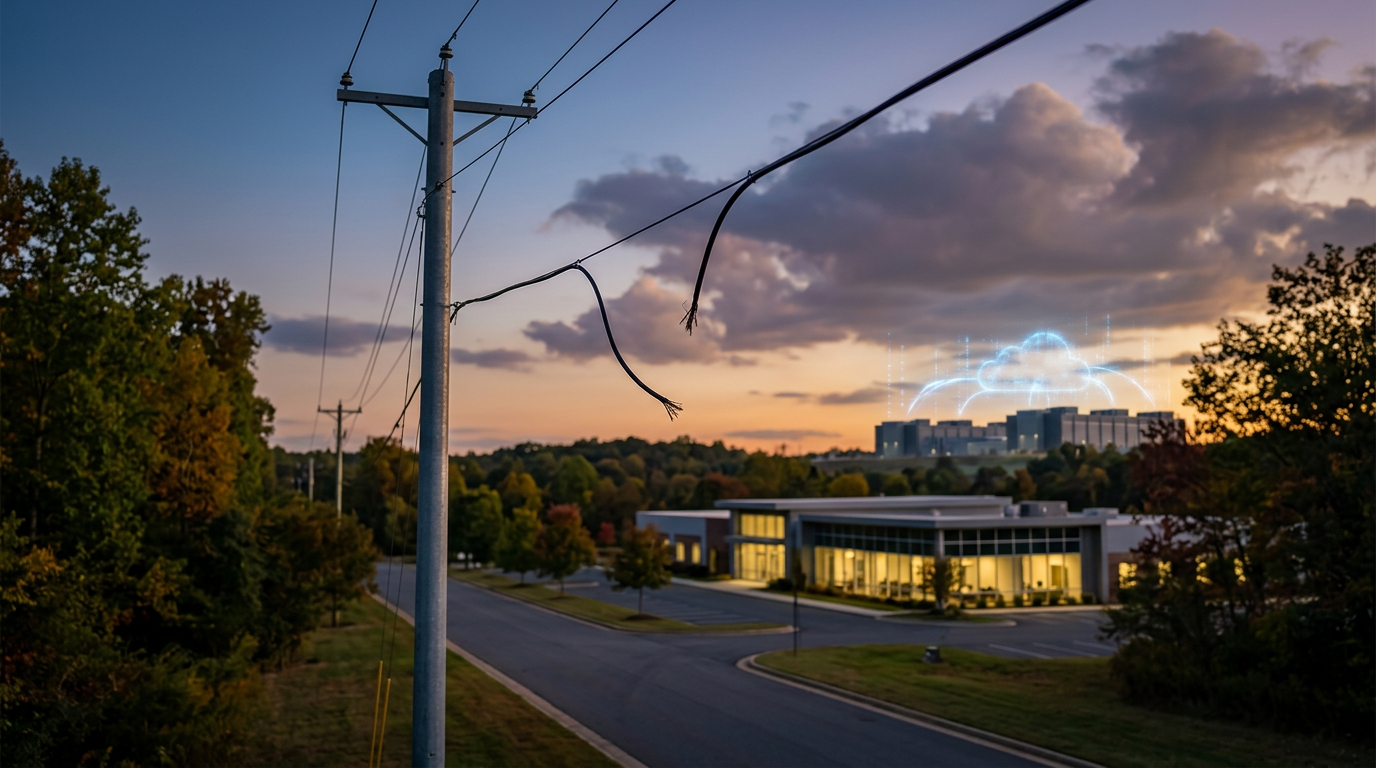
A Single Point of Failure Near the Internet Capital
A single fallen power line in Northern Virginia recently caused a massive disruption that exposed a structural weakness in how we store information. This specific region, often called Data Center Alley, handles about 70% of the world's internet traffic. According to TechCrunch reporting, this incident shows that even advanced facilities can be knocked offline by a tree branch or a bad storm. If you keep your customer records or internal documents on a single local server in your office, you're rolling the dice on every thunderstorm.
Why Business Continuity for AI Matters Now
Business continuity for AI is just your ability to keep working when the lights go out. If your business uses AI tools to answer customer questions or sort through sales leads, those tools need data to function. That data needs to live in the cloud, which is just a term for high-security computers owned by companies like Amazon or Microsoft. When you move your files to the cloud, you aren't just putting them on one computer. You're spreading them across hundreds of locations. If a power line falls in Virginia, a server in Texas or Oregon picks up the slack instantly.
Small business owners often think a physical backup drive on their desk is enough. It isn't. A physical drive can be stolen, burned, or simply stop working. Cloud storage providers use redundancy. This means they keep multiple copies of your data in different parts of the country. This setup is the foundation of business continuity for AI because it ensures your smart tools always have the information they need to serve your customers.
The Hidden Risk of Local Servers
Many founders feel safer seeing the blinking lights of a server in their back room. I want to strip back that false sense of security. A local server creates a single point of failure. If your office loses internet or power, your business stops. By moving to a redundant cloud setup, you wire up your business to a global network that doesn't sleep. You're essentially buying insurance against physical accidents like the one that just happened in Virginia.
How to Secure Your Data This Week
You don't need a degree in computer science to fix this. You can start by moving your most critical spreadsheets and customer lists to a reputable cloud provider. Most of these services cost less than a lunch out each month. Once your data is there, you can point your AI tools toward those folders. If your local computer catches fire tomorrow, you could walk into a library, log in, and be back in business in 5 minutes. That is the outcome we want.
The Practitioner's View
Physical hardware is fragile. The cloud is a utility, like water or electricity, but with built-in backups. If you want to use AI to grow, you have to stop treating your data like a physical object you need to hold onto. Stack your systems so they work regardless of what happens to the power lines on your street.
Your Disaster Recovery Checklist
- Identify your three most important data sets, such as your customer list, your pricing sheets, and your legal contracts.
- Move these files to a major cloud storage provider that offers automatic syncing.
- Turn on two-factor authentication (a security step that sends a code to your phone) to keep that data locked down.
- Check if your AI tools can connect directly to these cloud folders so they always have the latest version of your info.
- Delete the copies on your local hard drive once you know the cloud version is working.
What to Watch Next
Watch how these data center companies respond to the Virginia incident. I expect to see them investing more in local battery backups and private power grids. However, you shouldn't wait for them to perfect the grid. Take the first step today by moving one folder to the cloud. If you want to see exactly how I set these systems up for maximum safety, my 3-day training covers the exact steps to wire your business for the long haul.
FAQ
What is redundancy in cloud storage?
Redundancy is the practice of storing the same piece of data in multiple physical locations. If one data center loses power or is damaged, another center immediately takes over so your business stays online.
Is the cloud safer than a server in my office?
Yes. Large cloud providers have billions of dollars in security, backup generators, and multiple internet connections. A local office server is vulnerable to fire, theft, and simple power outages.
How does this affect my AI tools?
AI tools need to access your data to be useful. If your data is trapped on a local server that loses power, your AI cannot function. Cloud-based data ensures your AI stays working 24/7.