Microsoft Just Killed the Personal Chatbot: Why Business Owners Win
Keep using it. Microsoft is merging the home and work versions of Copilot to focus on corporate productivity, making the tool more functional and less like a novelty chatbot.
Key Takeaways
- Microsoft is merging consumer and workplace Copilot into one corporate-focused product.
- The pivot signals a move away from casual personal assistants toward functional business tools.
- Business owners should focus on how AI integrates with Excel and Outlook rather than conversational chat.
- This change likely leads to better data security and more stable software updates for business users.
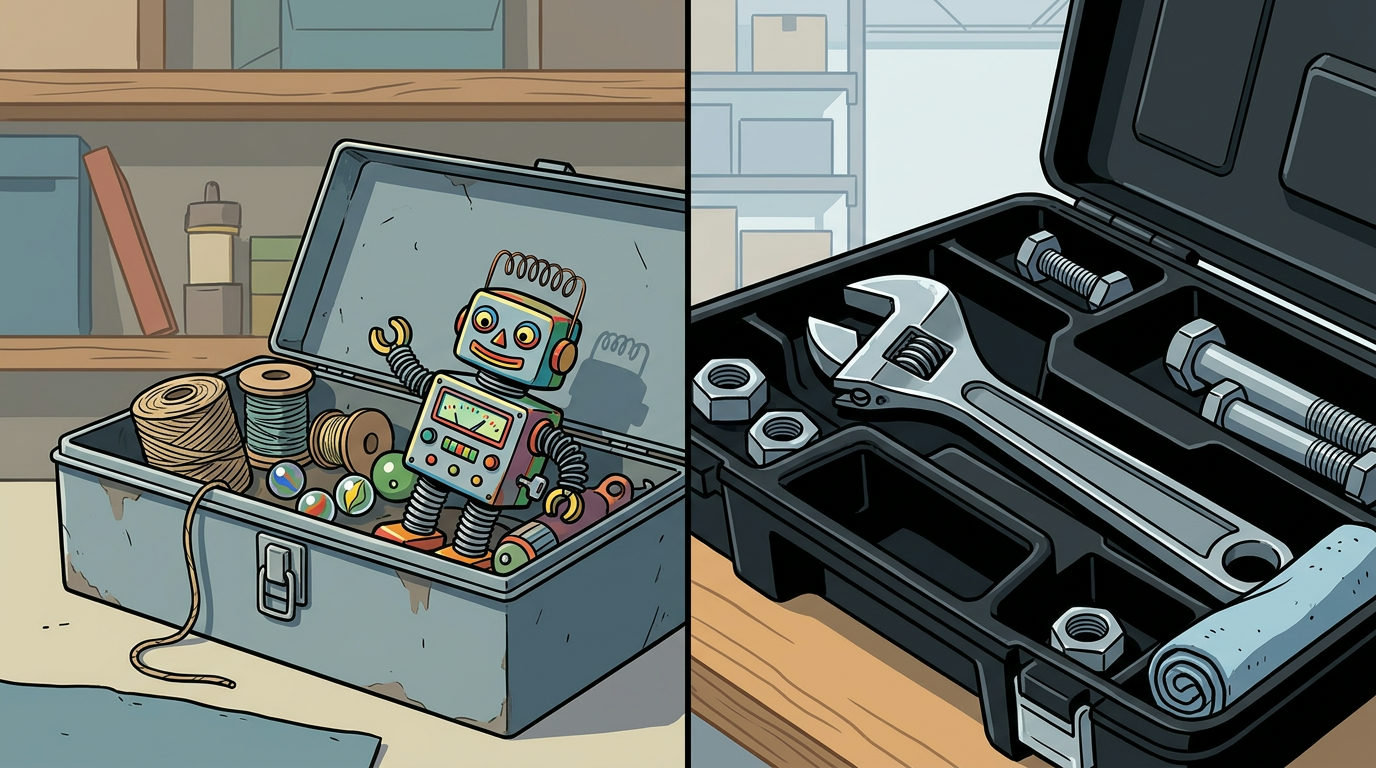
Microsoft is folding its consumer AI efforts into a single, corporate-focused product. According to reports from Bloomberg, the company is merging the home and workplace versions of Copilot into one tool aimed at business users. They're dropping the race to build a personal friend or a casual assistant for your home life.
For a business owner, this is good news. It means the software you rely on isn't trying to be a toy. Microsoft is ceding the casual chatbot market to Google and Meta to focus on tools that do work inside Excel, Word, and Outlook.
The Shift from Novelty to Utility
Early AI marketing focused on the wow factor: writing poems or planning vacations. That's a novelty. In a business context, you don't need a chatbot to be your friend. You need it to summarize a 40-minute meeting or flag a budget error in a spreadsheet.
By ending the separate consumer version, Microsoft is signaling that Copilot is a productivity tool first. They've spent 6 months re-engineering the assistant to merge the design of the home version with the data security of the corporate version.
What This Means for Your Operations
If you're already using Copilot, you don't need to switch. Your tools will likely get more stable. When a company tries to build one tool for everyone (students, grandparents, and CEOs), the product usually becomes bloated.
Now that Microsoft has picked a side, you can expect the plumbing to improve. This means better integration between your email, your calendar, and your files. Instead of a floating chat bubble that feels like an add-on, the AI will likely become a native part of how your team handles documents.
How to Adjust Your Strategy
Stop looking for AI to be a conversational partner. Start treating it like a specialized employee. This pivot suggests Copilot is becoming a permanent fixture of the Office suite (the set of tools like Word and Excel you likely already use).
The first step is to audit how your team uses these tools. Are they just asking it questions, or are they using it to bolt together data from different apps? The real value is in the latter. Focus your training on workflow integration (how the AI moves data between apps) rather than just prompt engineering (how to talk to the AI).
If you want to see exactly how to wire these tools into your daily operations, our free 3-day training walks through the setup step-by-step.