Lock Your ChatGPT Account Before Someone Else Spends Your Money
OpenAI is forcing passkeys on high-risk accounts to prevent hijacking. For small business owners, a stolen login means hackers can drain your linked credit card by using your AI credits. You should set up passkeys or 2FA and set billing limits immediately to protect your cash flow.
Key Takeaways
- OpenAI is requiring hardware-backed passkeys for high-risk accounts to stop hackers.
- A hijacked AI account can lead to massive unauthorized charges on your business credit card.
- Passkeys are more secure than passwords because they rely on physical biometrics or hardware.
- Setting monthly billing limits in OpenAI acts as a circuit breaker against financial loss.
- Sharing a single login with staff is a major security hole that should be closed using team plans.
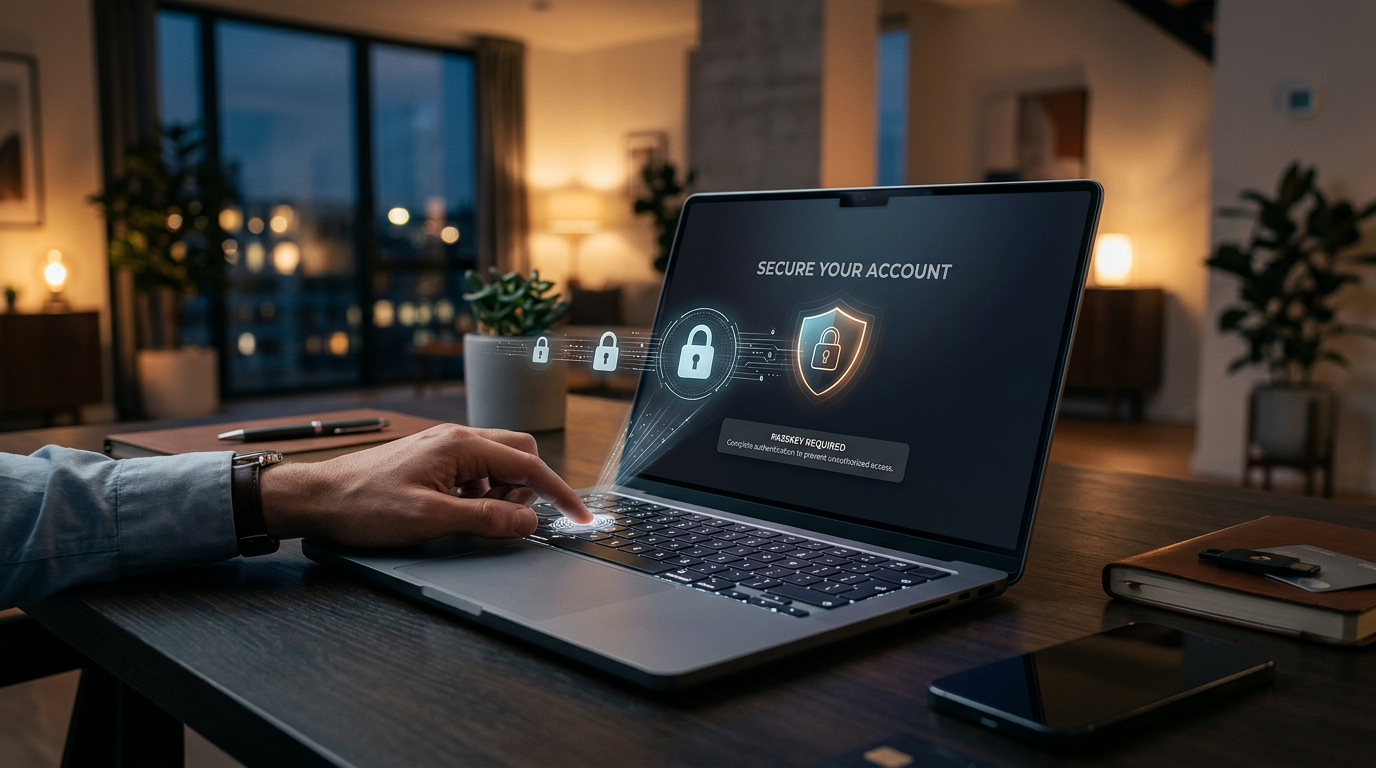
The New Reality of AI Account Security
OpenAI started forcing certain high-risk users to use passkeys to log into their accounts. According to reporting from TechDay Asia, this move stops hackers from hijacking accounts with significant access. If you think this does not apply to you, reconsider how you handle your ChatGPT account security.
Most small business owners treat their AI login like a Netflix password. They share it with a virtual assistant or leave it saved on a public browser. Your ChatGPT account often has a credit card attached to it. If a hacker gets in, they can run up thousands of dollars in charges by using your account to power their own software. This is a direct drain on your bank account.
Passkeys are a way to log in without a password. Instead of typing a string of letters, you use your thumbprint, face scan, or a physical security key plugged into your computer. It is much harder to steal a thumbprint than a password. OpenAI is rolling this out because traditional passwords fail. You need to get ahead of this before your account gets flagged or emptied out.
Why Your AI Login is a Financial Target
Think of your ChatGPT account as a digital faucet. When you pay for a Plus subscription or use pay-as-you-go features, you pay for computing power. Hackers want that power for free. They steal logins to run massive amounts of data through OpenAI systems on your dime. By the time you notice the charge on your statement, the money is usually gone.
I see business owners making the same mistake every week. They use the same password for their email, their bank, and their AI tools. If one of those leaks in a data breach, all of them are at risk. OpenAI is making passkeys mandatory for some users to stop this specific type of theft. It is a clear signal that the old way of securing your business tools is over.
Businesses lose entire workdays because a shared login gets locked out or hacked. It is cheaper to spend 10 minutes setting up a passkey today than it is to spend 10 hours on the phone with credit card companies and tech support tomorrow.
How to Secure Your Account This Week
You do not need to be a computer scientist to fix this. You just need to bolt down your digital doors. Here is exactly what I would do if I were sitting in your office today.
1. Set Up a Passkey Immediately
Go into your OpenAI account settings and find the security tab. If the option for passkeys is available, turn it on. This links your login to your physical device, like your iPhone or your laptop. A hacker in another country cannot spoof your face or your physical hardware. It is the most effective way to stop unauthorized access.
2. Enable Two-Factor Authentication (2FA)
If you are not ready for passkeys, you must use 2FA. This is where you enter your password and then get a code sent to an app on your phone. Do not use SMS or text message codes. Hackers can sometimes redirect text messages. Use an app like Google Authenticator or Authy instead. It adds one extra layer that stops 99% of automated attacks.
3. Audit Your Shared Access
Stop giving your main password to employees or contractors. If you must have others working in your account, look into team plans where everyone has a unique login. If someone leaves your company, you can simply remove their access without changing the password for everyone else. It keeps your main billing profile isolated.
4. Check Your Usage Limits
OpenAI allows you to set monthly spend limits. Go into your billing settings and set a hard cap on how much can be spent each month. If you usually spend $20, set the limit to $50. If a hacker gets in, they can only do a small amount of damage before the system shuts them off. It acts like a circuit breaker for your bank account.
5. Clear Out Old Logins
Check the list of devices currently logged into your account. If you see a phone you traded in last year or a computer you no longer own, sign them out. Strip back the number of ways into your account until only your current, secure devices remain.
What to Watch Next
Expect other AI companies to follow OpenAI. Google and Microsoft are already pushing passkeys. Eventually, the password will disappear entirely. This is good for your business. It means one less thing to remember and one less way for a criminal to ruin your week. Take 10 minutes to wire up these security features. Your bottom line will thank you.
If you want to see how to set this up live and learn how to use these tools safely in your business, join our next 3-day training. We walk through the setup so you do not have to guess.
FAQ
What is a passkey?
A passkey is a digital credential that lets you log in using your face, fingerprint, or device PIN. It replaces the need for a typed password.
Why is OpenAI forcing this change?
They are targeting high-risk accounts to prevent unauthorized access that can lead to data theft or fraudulent use of computing resources.
Can I still use a password?
For now, most users can still use passwords, but passkeys are being rolled out as the more secure standard for accounts at higher risk of being targeted.