Batch Process Your Social Media Videos in a Single Afternoon
Use Vmake Labs to batch upload up to 30 video assets, remove watermarks, and enhance clarity all at once to scale your social media presence.
Key Takeaways
- Batch processing up to 30 clips at once saves hours compared to individual editing.
- Use AI cleanup tools to remove old logos or watermarks from existing footage.
- Enhance video clarity across multiple files to maintain a professional brand look.
- Prepare content for multiple platforms (TikTok, Reels, Shorts) in a single session.
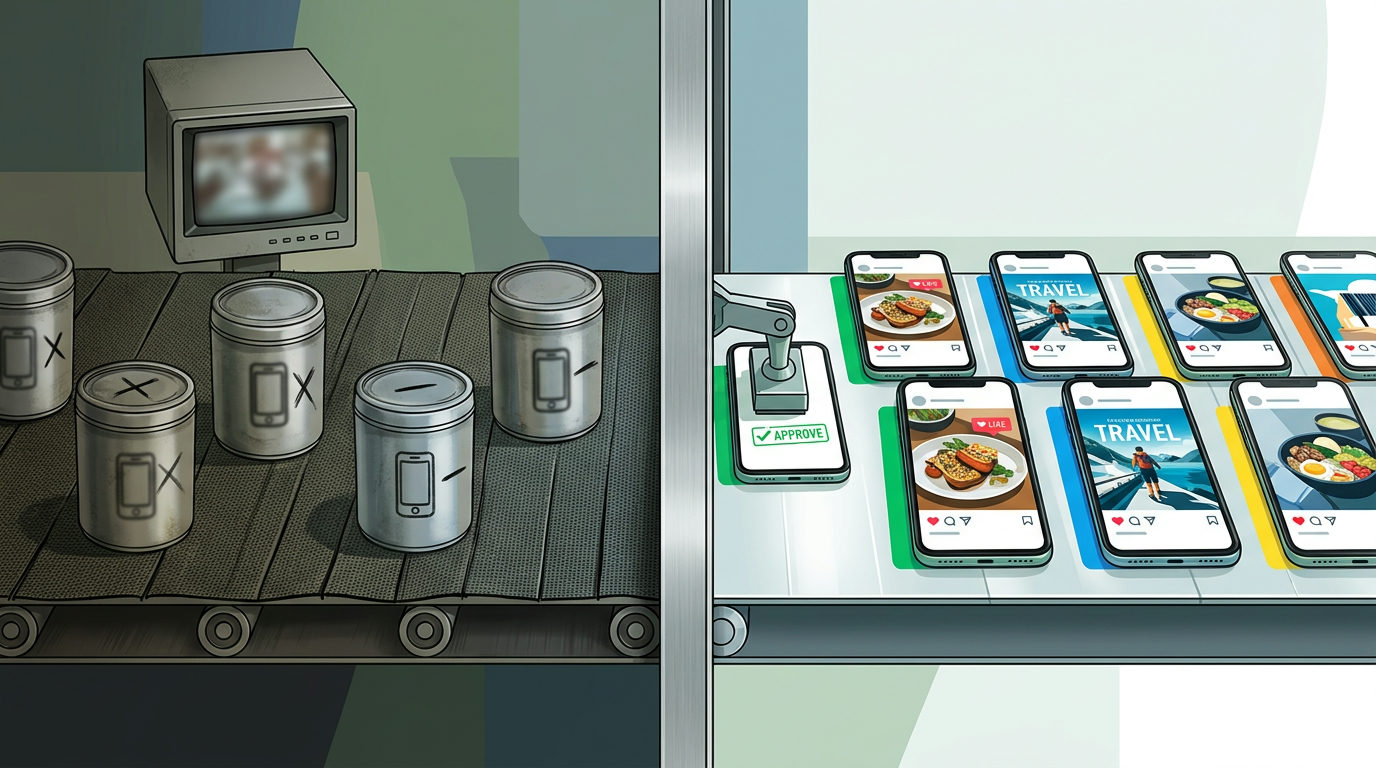
Most business owners treat social media like a daily chore. They record a clip, spend 20 minutes editing, and post it just to get it over with. That approach leads to burnout. If you want to stay visible on TikTok or Instagram without losing your mind, you've got to stop making one video at a time. Start thinking in batches.
Vmake Labs (formerly Vmake AI) provides a workspace that lets you handle up to 30 assets at once. You can take a folder of raw product clips and clean them all up in the time it used to take to finish one. Here is how to wire up a batch workflow for your brand.
Step 1: The Batch Upload
Collect all the raw footage from your phone or cloud storage. This might include product demos, unboxing clips, or customer reviews. Don't worry if some clips have watermarks or look a little blurry. You can upload up to 30 of these files into the Vmake Labs workspace at once. This moves you away from individual editing projects and into a production line mindset.
Step 2: Strip the Noise
Once your clips are in the system, use the cleanup tools to remove unwanted elements. If you have old subtitles or semi-transparent logos from previous templates, you can clear them out across the batch. This keeps your branding consistent without requiring you to re-record the original footage. It's about salvaging good content that just needs a quick polish.
Step 3: Enhance the Winners
Not every clip needs a full makeover, but your best shots should look sharp. Use the enhancer tool to add clarity to footage that looks soft or compressed. Since you're working in a studio environment, you can pick the high-performing clips and apply these improvements before you export. This ensures your product looks professional even if the original lighting was poor.
Step 4: Optimize for Different Channels
The final step is preparing the files for the specific requirements of each social platform. You can adjust the framing and format for YouTube Shorts or Instagram Reels within the same workflow. By the time you hit export, you have a week of content ready to be scheduled. You're no longer reacting to the daily pressure of posting: you're simply deploying assets you already finished.
This batch approach is how small teams compete with larger brands that have full production crews. You aren't working harder: you're just using a more efficient machine. If you want to see exactly how to set up these kinds of AI workflows for your specific business, join our next live session.
Take the next step: Join our free 3-day AI training to learn how to automate your marketing and operations.